Loading…
Creator · Aceternity UI
View original source ↗Prompt
// components/ui/3d-pin.tsx
"use client";
import React, { useState } from "react";
import { motion } from "motion/react";
import { cn } from "@/lib/utils";


export const PinContainer = ({
  children,
  title,
  href,
  className,
  containerClassName,
}: {
  children: React.ReactNode;
  title?: string;
  href?: string;
  className?: string;
  containerClassName?: string;
}) => {
  const [transform, setTransform] = useState(
    "translate(-50%,-50%) rotateX(0deg)"
  );

  const onMouseEnter = () => {
    setTransform("translate(-50%,-50%) rotateX(40deg) scale(0.8)");
  };
  const onMouseLeave = () => {
    setTransform("translate(-50%,-50%) rotateX(0deg) scale(1)");
  };

  return (
    <a
      className={cn(
        "relative group/pin z-50  cursor-pointer",
        containerClassName
      )}
      onMouseEnter={onMouseEnter}
      onMouseLeave={onMouseLeave}
      href={href || "/"}
    >
      <div
        style={{
          perspective: "1000px",
          transform: "rotateX(70deg) translateZ(0deg)",
        }}
        className="absolute left-1/2 top-1/2 ml-[0.09375rem] mt-4 -translate-x-1/2 -translate-y-1/2"
      >
        <div
          style={{
            transform: transform,
          }}
          className="absolute left-1/2 p-4 top-1/2  flex justify-start items-start  rounded-2xl  shadow-[0_8px_16px_rgb(0_0_0/0.4)] bg-black border border-white/[0.1] group-hover/pin:border-white/[0.2] transition duration-700 overflow-hidden"
        >
          <div className={cn(" relative z-50 ", className)}>{children}</div>
        </div>
      </div>
      <PinPerspective title={title} href={href} />
    </a>
  );
};

export const PinPerspective = ({
  title,
  href,
}: {
  title?: string;
  href?: string;
}) => {
  return (
    <motion.div className="pointer-events-none  w-96 h-80 flex items-center justify-center opacity-0 group-hover/pin:opacity-100 z-[60] transition duration-500">
      <div className=" w-full h-full -mt-7 flex-none  inset-0">
        <div className="absolute top-0 inset-x-0  flex justify-center">
          <a
            href={href}
            target={"_blank"}
            className="relative flex space-x-2 items-center z-10 rounded-full bg-zinc-950 py-0.5 px-4 ring-1 ring-white/10 "
          >
            <span className="relative z-20 text-white text-xs font-bold inline-block py-0.5">
              {title}
            </span>

            <span className="absolute -bottom-0 left-[1.125rem] h-px w-[calc(100%-2.25rem)] bg-gradient-to-r from-emerald-400/0 via-emerald-400/90 to-emerald-400/0 transition-opacity duration-500 group-hover/btn:opacity-40"></span>
          </a>
        </div>

        <div
          style={{
            perspective: "1000px",
            transform: "rotateX(70deg) translateZ(0)",
          }}
          className="absolute left-1/2 top-1/2 ml-[0.09375rem] mt-4 -translate-x-1/2 -translate-y-1/2"
        >
          <>
            <motion.div
              initial={{
                opacity: 0,
                scale: 0,
                x: "-50%",
                y: "-50%",
              }}
              animate={{
                opacity: [0, 1, 0.5, 0],
                scale: 1,

                z: 0,
              }}
              transition={{
                duration: 6,
                repeat: Infinity,
                delay: 0,
              }}
              className="absolute left-1/2 top-1/2  h-[11.25rem] w-[11.25rem] rounded-[50%] bg-sky-500/[0.08] shadow-[0_8px_16px_rgb(0_0_0/0.4)]"
            ></motion.div>
            <motion.div
              initial={{
                opacity: 0,
                scale: 0,
                x: "-50%",
                y: "-50%",
              }}
              animate={{
                opacity: [0, 1, 0.5, 0],
                scale: 1,

                z: 0,
              }}
              transition={{
                duration: 6,
                repeat: Infinity,
                delay: 2,
              }}
              className="absolute left-1/2 top-1/2  h-[11.25rem] w-[11.25rem] rounded-[50%] bg-sky-500/[0.08] shadow-[0_8px_16px_rgb(0_0_0/0.4)]"
            ></motion.div>
            <motion.div
              initial={{
                opacity: 0,
                scale: 0,
                x: "-50%",
                y: "-50%",
              }}
              animate={{
                opacity: [0, 1, 0.5, 0],
                scale: 1,

                z: 0,
              }}
              transition={{
                duration: 6,
                repeat: Infinity,
                delay: 4,
              }}
              className="absolute left-1/2 top-1/2  h-[11.25rem] w-[11.25rem] rounded-[50%] bg-sky-500/[0.08] shadow-[0_8px_16px_rgb(0_0_0/0.4)]"
            ></motion.div>
          </>
        </div>

        <>
          <motion.div className="absolute right-1/2 bottom-1/2 bg-gradient-to-b from-transparent to-cyan-500 translate-y-[14px] w-px h-20 group-hover/pin:h-40 blur-[2px]" />
          <motion.div className="absolute right-1/2 bottom-1/2 bg-gradient-to-b from-transparent to-cyan-500 translate-y-[14px] w-px h-20 group-hover/pin:h-40  " />
          <motion.div className="absolute right-1/2 translate-x-[1.5px] bottom-1/2 bg-cyan-600 translate-y-[14px] w-[4px] h-[4px] rounded-full z-40 blur-[3px]" />
          <motion.div className="absolute right-1/2 translate-x-[0.5px] bottom-1/2 bg-cyan-300 translate-y-[14px] w-[2px] h-[2px] rounded-full z-40 " />
        </>
      </div>
    </motion.div>
  );
};Models & stability
Recommended models
Keep exploring

A webpage case by @Oluwaphilemon1 using Claude Fable 5 · Three.js · Blender · GSAP, including the public result, full prompt, and original source.
Prompt
Claude Fable 5 and GPT-5.6 are powerful🥵🥵🥵 Here Is How I built with Claude 👇 Prompt: "Design an agency site where services are presented as supermarket product packaging in 3D" Use Three.js with WebGL to render al

一个复杂的提示词,用于利用 Three.js 风格优化和逼真光照,在浏览器中生成精细的实时 3D 森林环境。
Prompt
First search for the "/unlazy" skill, read it fully, and use it throughout the entire task. Treat this as a major visual build lasting at least {argument name="minimum duration" d
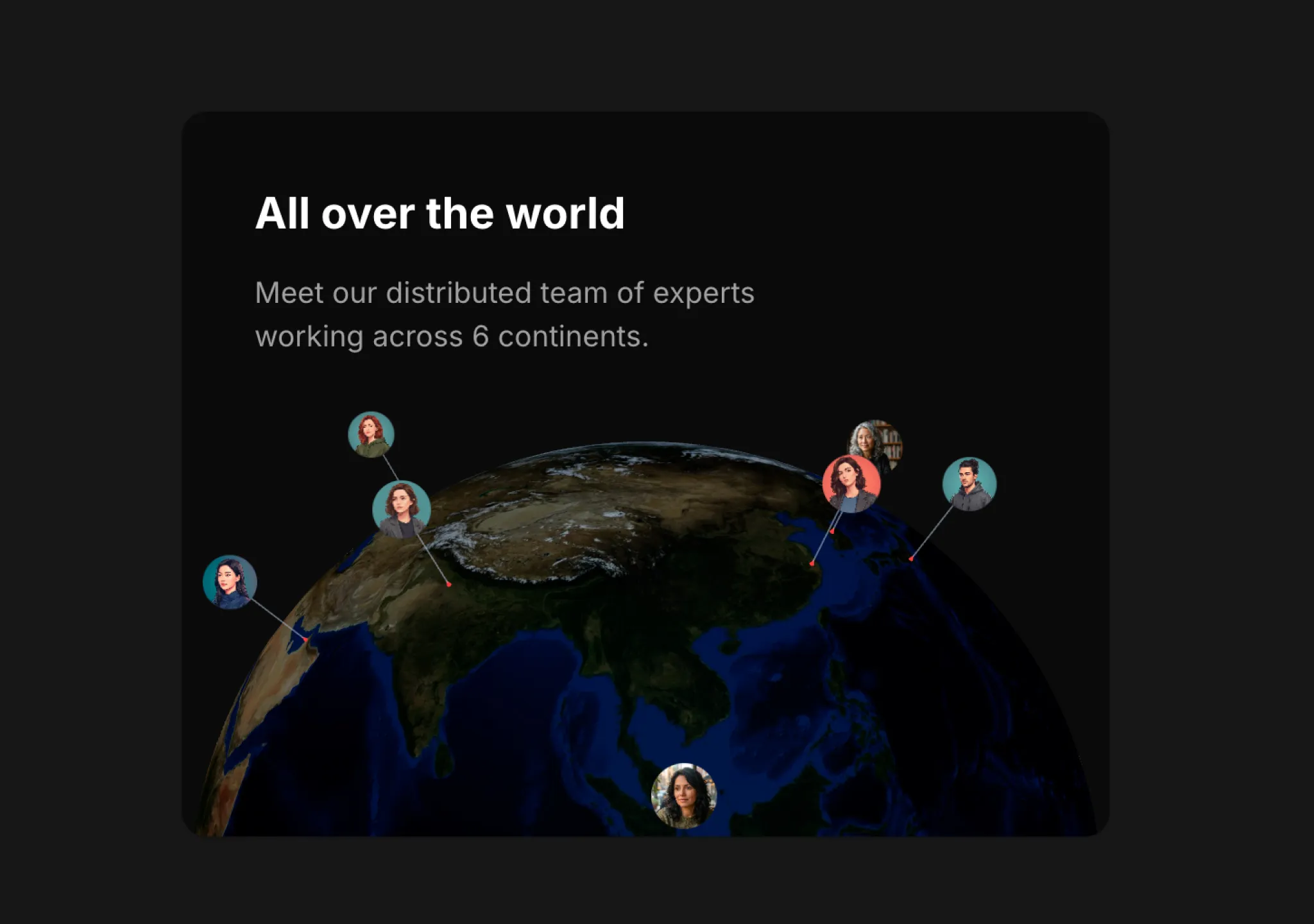
复制这段 TSX 组件源码,交给 Cursor、v0、Claude 等 AI 编程工具,说明这是「3D Globe」的 Aceternity UI 组件实现,即可让它接入你的 React 项目,再按需替换文案、配色与触发参数复用。
Prompt
// components/ui/3d-globe.tsx "use client"; import React, { useRef, useMemo, useState, useCallback, Suspense } from "react"; import { Canvas, useFrame, useThree } from "@react-three/fiber"; import { OrbitControls, Html, useTexture } from "…

