Loading…
Case library · Public evidence
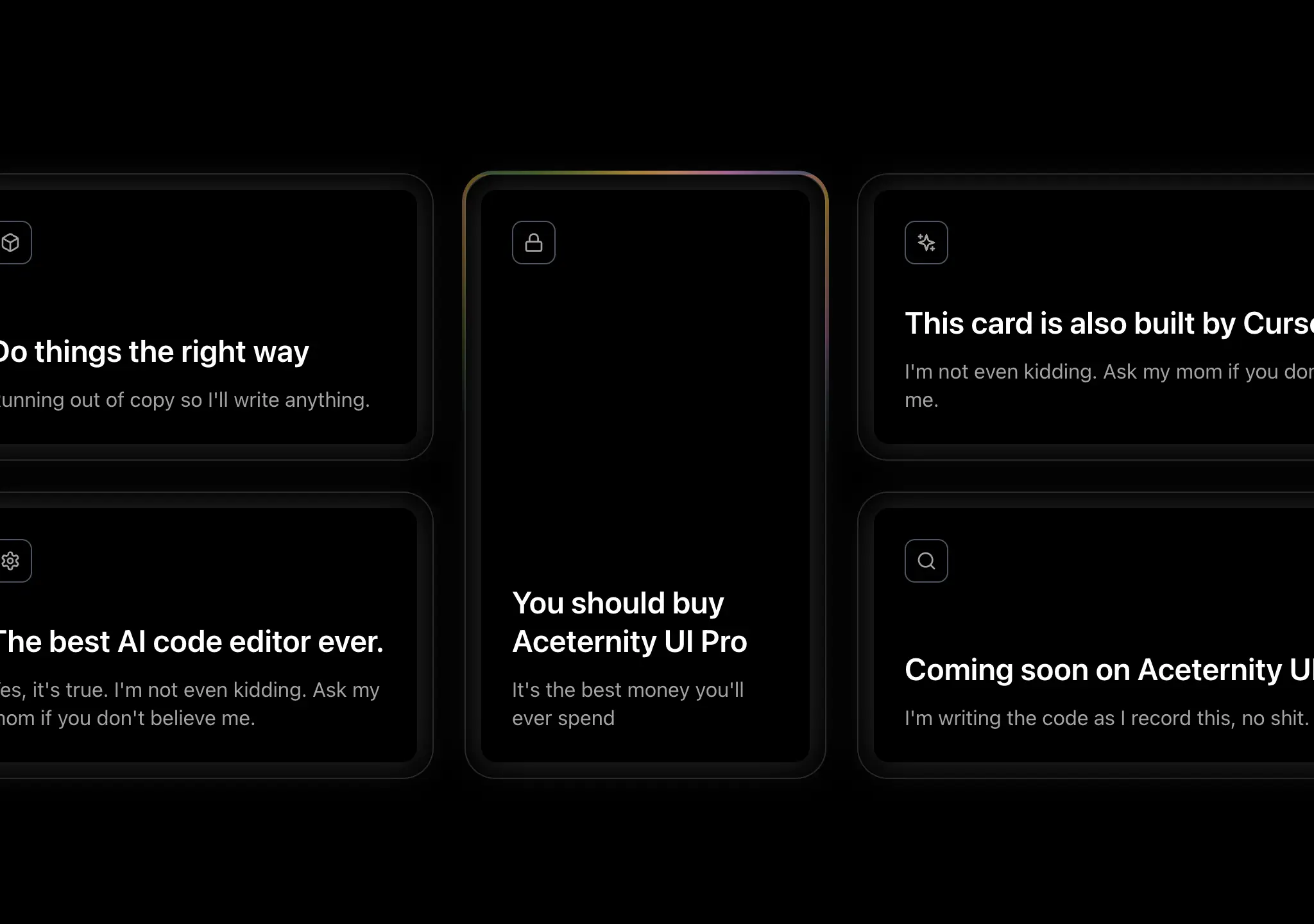
复制这段 TSX 组件源码,交给 Cursor、v0、Claude 等 AI 编程工具,说明这是「Glowing Effect」的 Aceternity UI 组件实现,即可让它接入你的 React 项目,再按需替换文案、配色与触发参数复用。
Prompt
// components/ui/glowing-effect.tsx "use client"; import { memo, useCallback, useEffect, useRef } from "react"; import { cn } from "@/lib/utils"; import { animate } from "motion/react";…
复制这段 TSX 组件源码,交给 Cursor、v0、Claude 等 AI 编程工具,说明这是「Spotlight New」的 Aceternity UI 组件实现,即可让它接入你的 React 项目,再按需替换文案、配色与触发参数复用。
Prompt
// components/ui/spotlight-new.tsx "use client"; import React from "react"; import { motion } from "motion/react"; type SpotlightProps = { gradientFirst?: string; gradientSecond?: string;…
Prompt

Build a standalone React + TypeScript + Tailwind CSS section component. This is a fragrance product showcase split into two halves: a looping video on the LEFT and a lime-green product…
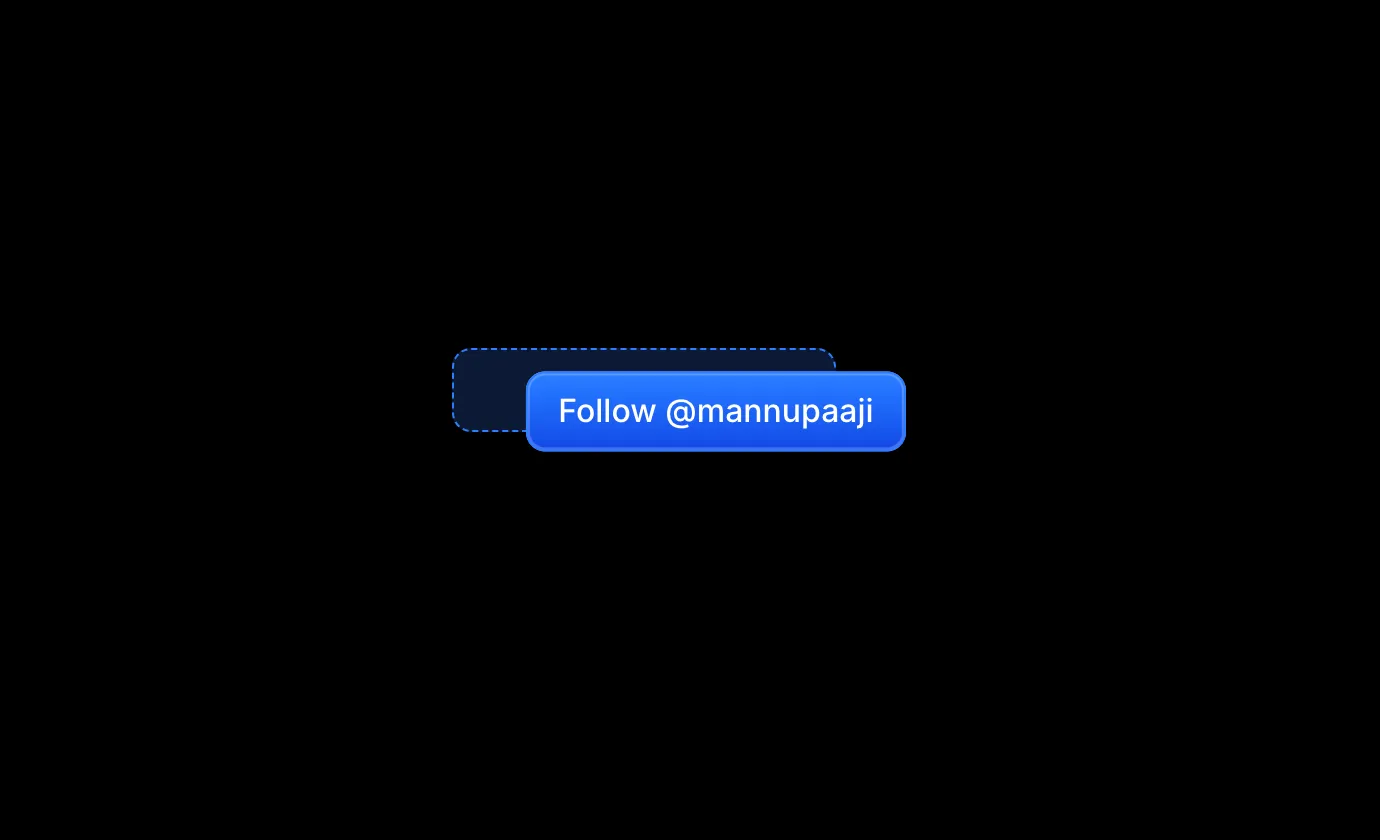
复制这段 TSX 组件源码,交给 Cursor、v0、Claude 等 AI 编程工具,说明这是「Magnetic Button」的 Aceternity UI 组件实现,即可让它接入你的 React 项目,再按需替换文案、配色与触发参数复用。
Prompt
// components/ui/magnetic-button.tsx "use client"; import React, { useRef, useState } from "react"; import { motion } from "motion/react"; export const MagneticButton = ({ children,…
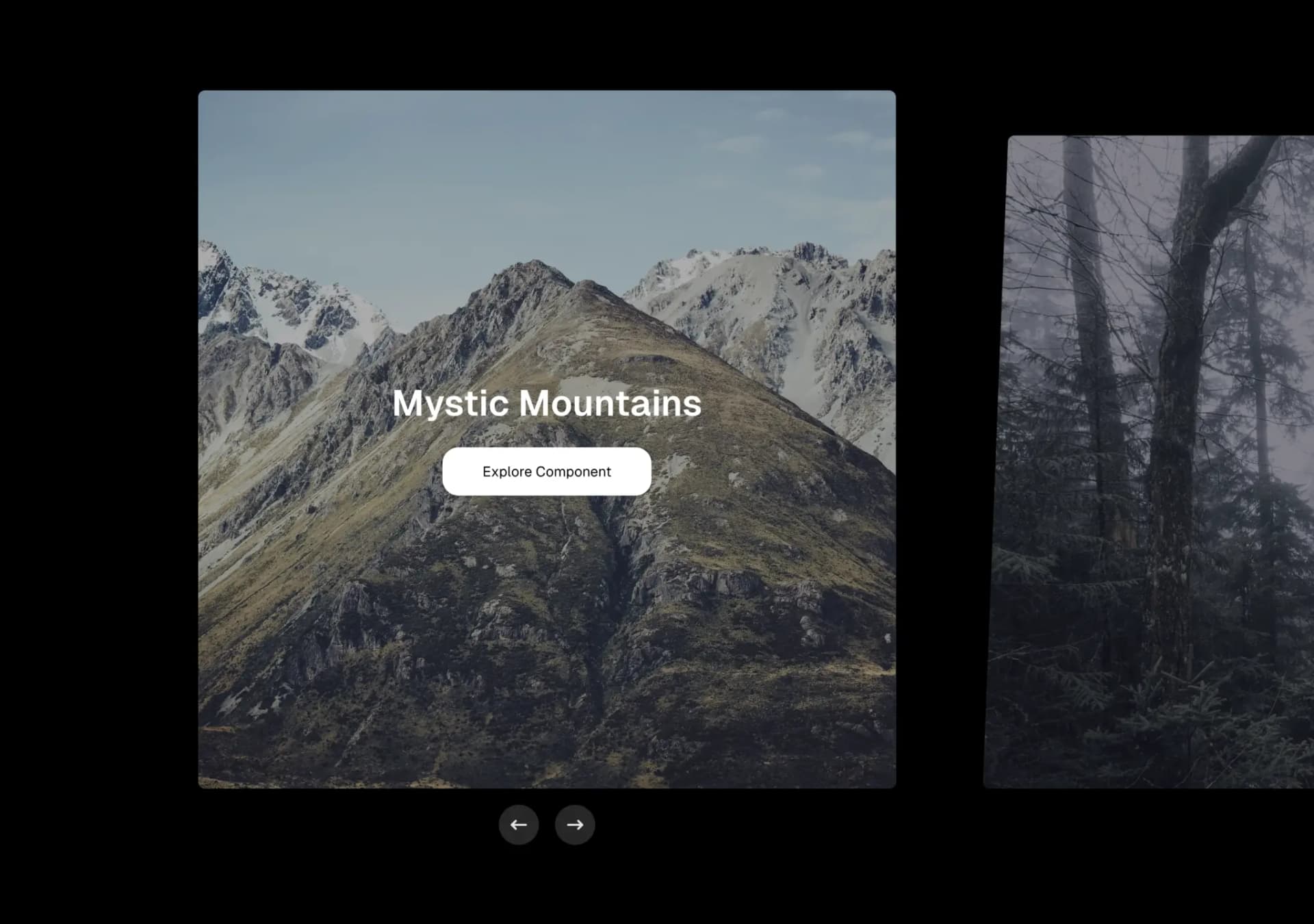
复制这段 TSX 组件源码,交给 Cursor、v0、Claude 等 AI 编程工具,说明这是「Carousel」的 Aceternity UI 组件实现,即可让它接入你的 React 项目,再按需替换文案、配色与触发参数复用。
Prompt
// components/ui/carousel.tsx "use client"; import { IconArrowNarrowRight } from "@tabler/icons-react"; import { useState, useRef, useId, useEffect } from "react"; interface SlideData {…

黑底白字的产品优势区块,React + TypeScript + Tailwind,零额外依赖。
Prompt
Build a single React + TypeScript section using Tailwind CSS. No extra libraries. Fully mobile-responsive. Black background, white text. ## Global Prerequisites - Font: `@import…
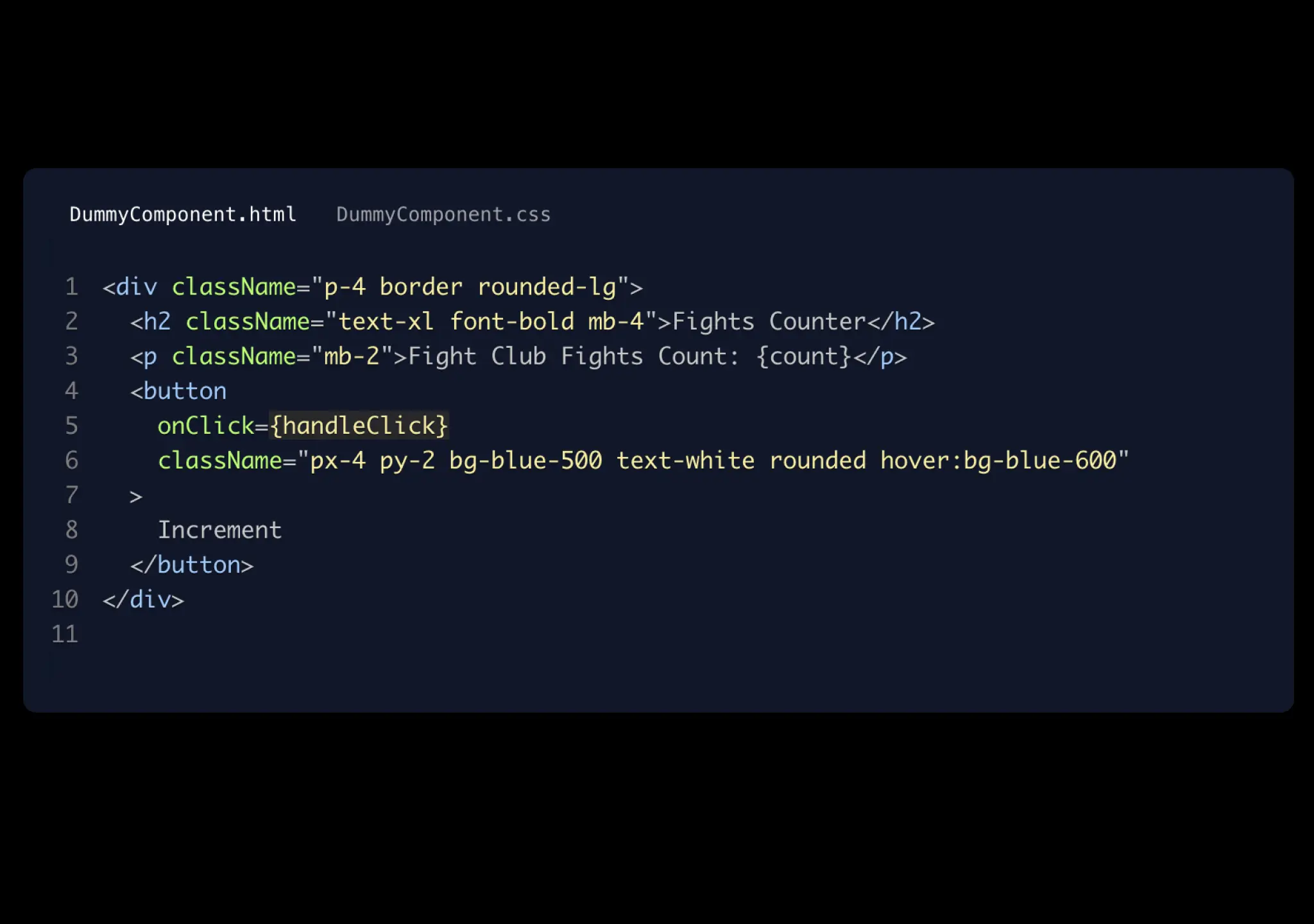
复制这段 TSX 组件源码,交给 Cursor、v0、Claude 等 AI 编程工具,说明这是「Code Block」的 Aceternity UI 组件实现,即可让它接入你的 React 项目,再按需替换文案、配色与触发参数复用。
Prompt
// components/ui/code-block.tsx "use client"; import React from "react"; import { Prism as SyntaxHighlighter } from "react-syntax-highlighter"; import { atomDark } from…
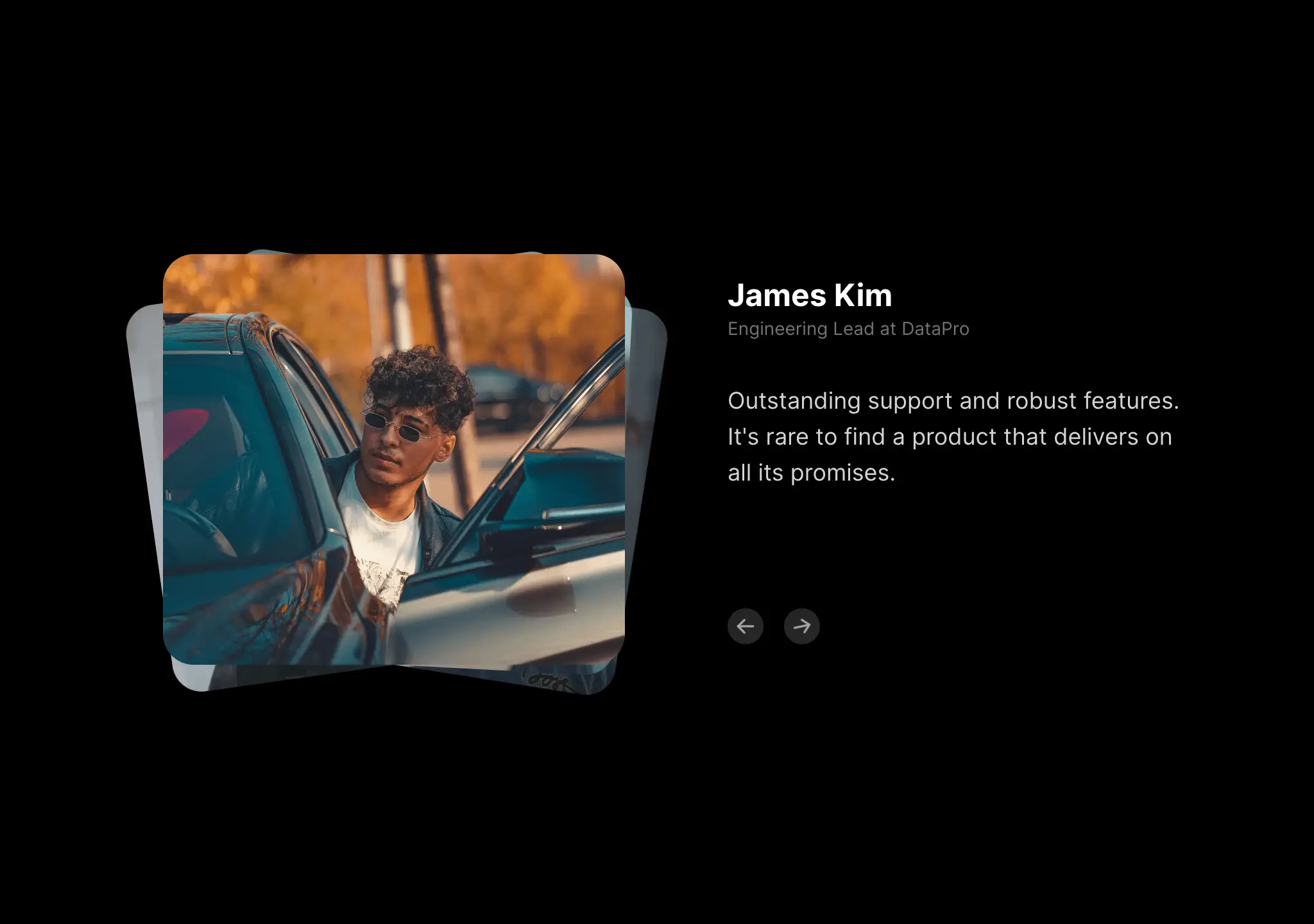
复制这段 TSX 组件源码,交给 Cursor、v0、Claude 等 AI 编程工具,说明这是「Animated Testimonials」的 Aceternity UI 组件实现,即可让它接入你的 React 项目,再按需替换文案、配色与触发参数复用。
Prompt
// components/ui/animated-testimonials.tsx "use client"; import { IconArrowLeft, IconArrowRight } from "@tabler/icons-react"; import { motion, AnimatePresence } from "motion/react"; import…

Prompt
Build a full-page 404 error page for a hosting company called "NEXOVA". The entire page is a single viewport-height layout with a looping background video, a navigation bar, a centered…
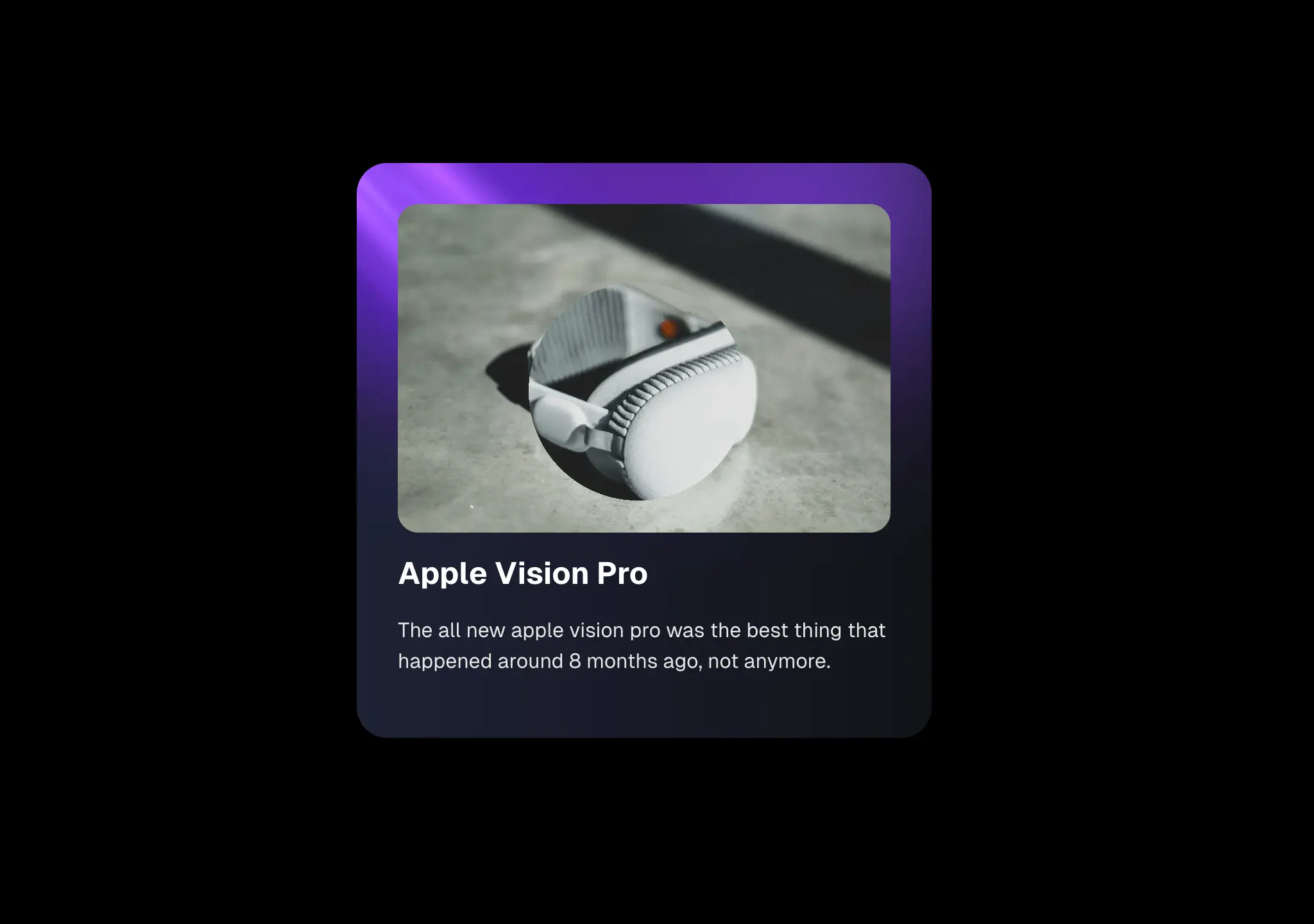
复制这段 TSX 组件源码,交给 Cursor、v0、Claude 等 AI 编程工具,说明这是「Lens」的 Aceternity UI 组件实现,即可让它接入你的 React 项目,再按需替换文案、配色与触发参数复用。
Prompt
// components/ui/lens.tsx "use client"; import React, { useRef, useState } from "react"; import { AnimatePresence, motion } from "motion/react"; interface LensProps { children:…
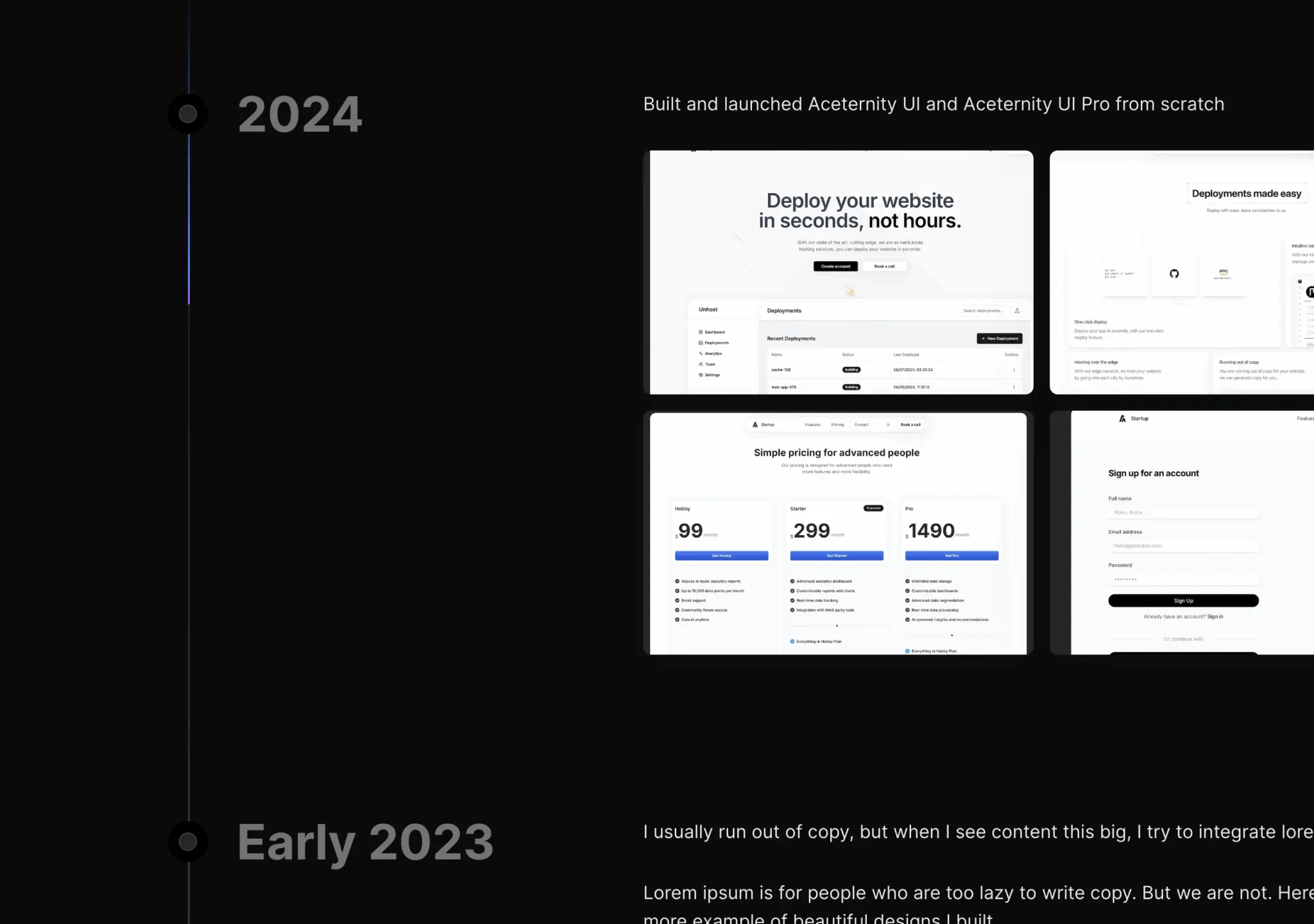
复制这段 TSX 组件源码,交给 Cursor、v0、Claude 等 AI 编程工具,说明这是「Timeline」的 Aceternity UI 组件实现,即可让它接入你的 React 项目,再按需替换文案、配色与触发参数复用。
Prompt
// components/ui/timeline.tsx "use client"; import { useMotionValueEvent, useScroll, useTransform, motion, } from "motion/react"; import React, { useEffect, useRef, useState } from…

银行卡 3D 圆柱轮播,React hooks 驱动的高性能交互组件,这批里交互复杂度最高的一条。
Prompt
Create a high-performance, interactive 3D horizontal cylinder carousel showing premium animated bank cards. Core Features & Interactions: Use React (useState, useEffect, useRef), Tailwind…
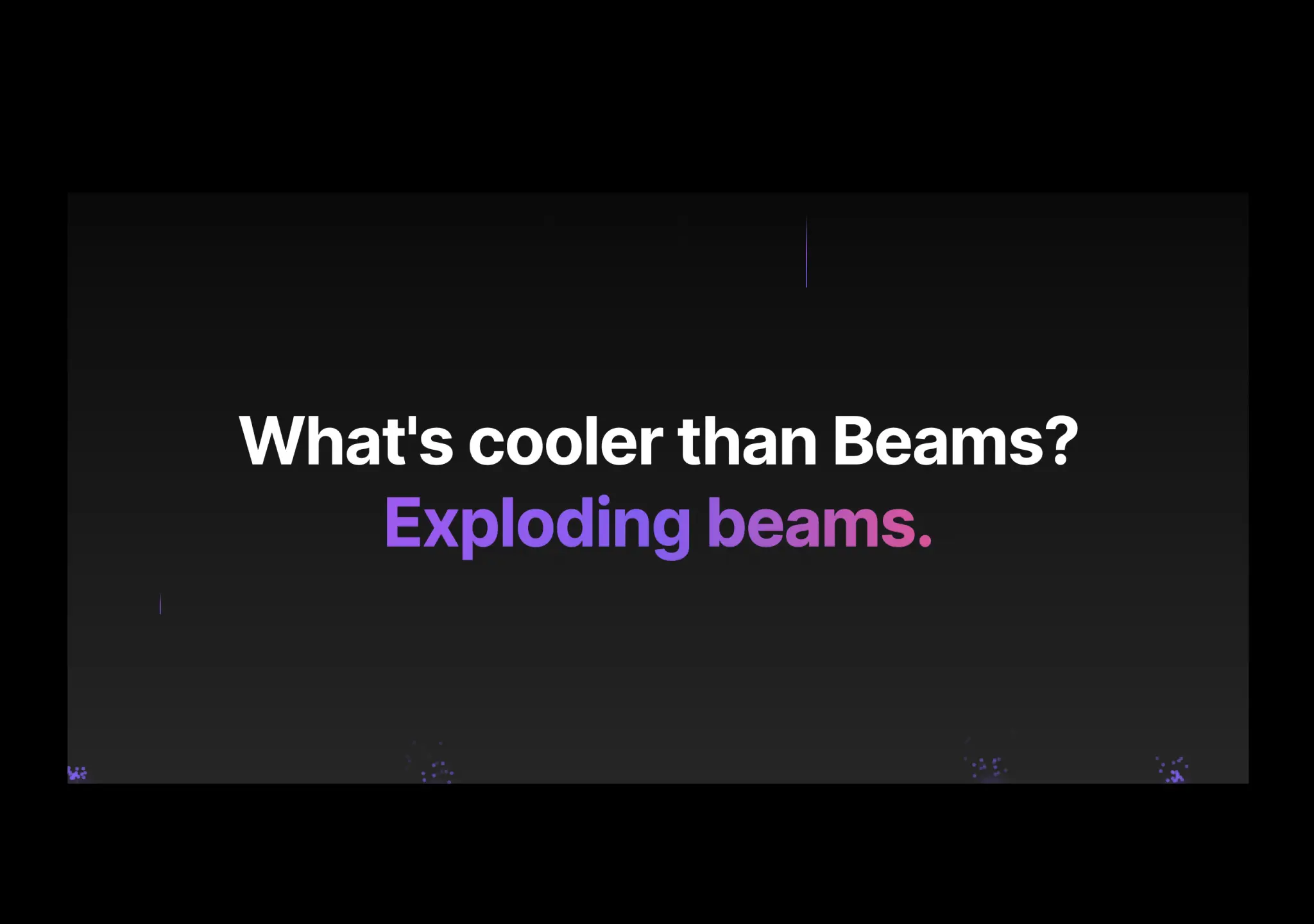
复制这段 TSX 组件源码,交给 Cursor、v0、Claude 等 AI 编程工具,说明这是「Background Beams With Collision」的 Aceternity UI 组件实现,即可让它接入你的 React 项目,再按需替换文案、配色与触发参数复用。
Prompt
// components/ui/background-beams-with-collision.tsx "use client"; import { cn } from "@/lib/utils"; import { motion, AnimatePresence } from "motion/react"; import React, { useRef,…
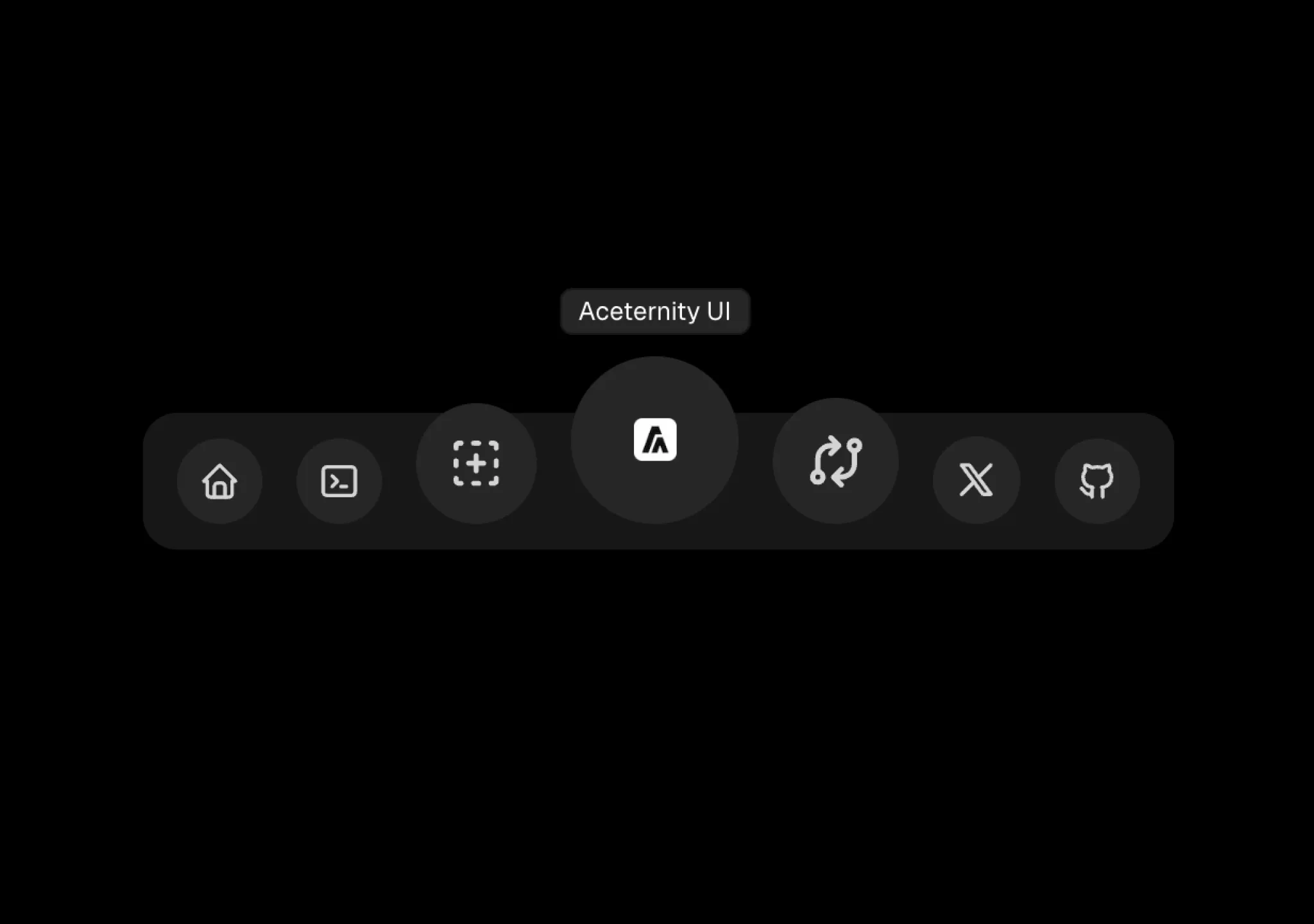
复制这段 TSX 组件源码,交给 Cursor、v0、Claude 等 AI 编程工具,说明这是「Floating Dock」的 Aceternity UI 组件实现,即可让它接入你的 React 项目,再按需替换文案、配色与触发参数复用。
Prompt
// components/ui/floating-dock.tsx "use client"; /** * Note: Use position fixed according to your needs * Desktop navbar is better positioned at the bottom * Mobile navbar is better…
订阅制创意机构 Alwayzz 的落地 hero,React + Vite,样式刻意用自定义 CSS,避开 Tailwind 工具类。
Prompt
**Create a single-page landing hero section for a creative agency called "Alwayzz" with a React + Vite + Tailwind CSS setup. Use custom CSS (not Tailwind utilities) for all styling. The…

复制这段 TSX 组件源码,交给 Cursor、v0、Claude 等 AI 编程工具,说明这是「Card Spotlight」的 Aceternity UI 组件实现,即可让它接入你的 React 项目,再按需替换文案、配色与触发参数复用。
Prompt
// components/ui/card-spotlight.tsx "use client"; import { useMotionValue, motion, useMotionTemplate } from "motion/react"; import React, { MouseEvent as ReactMouseEvent, useState } from…
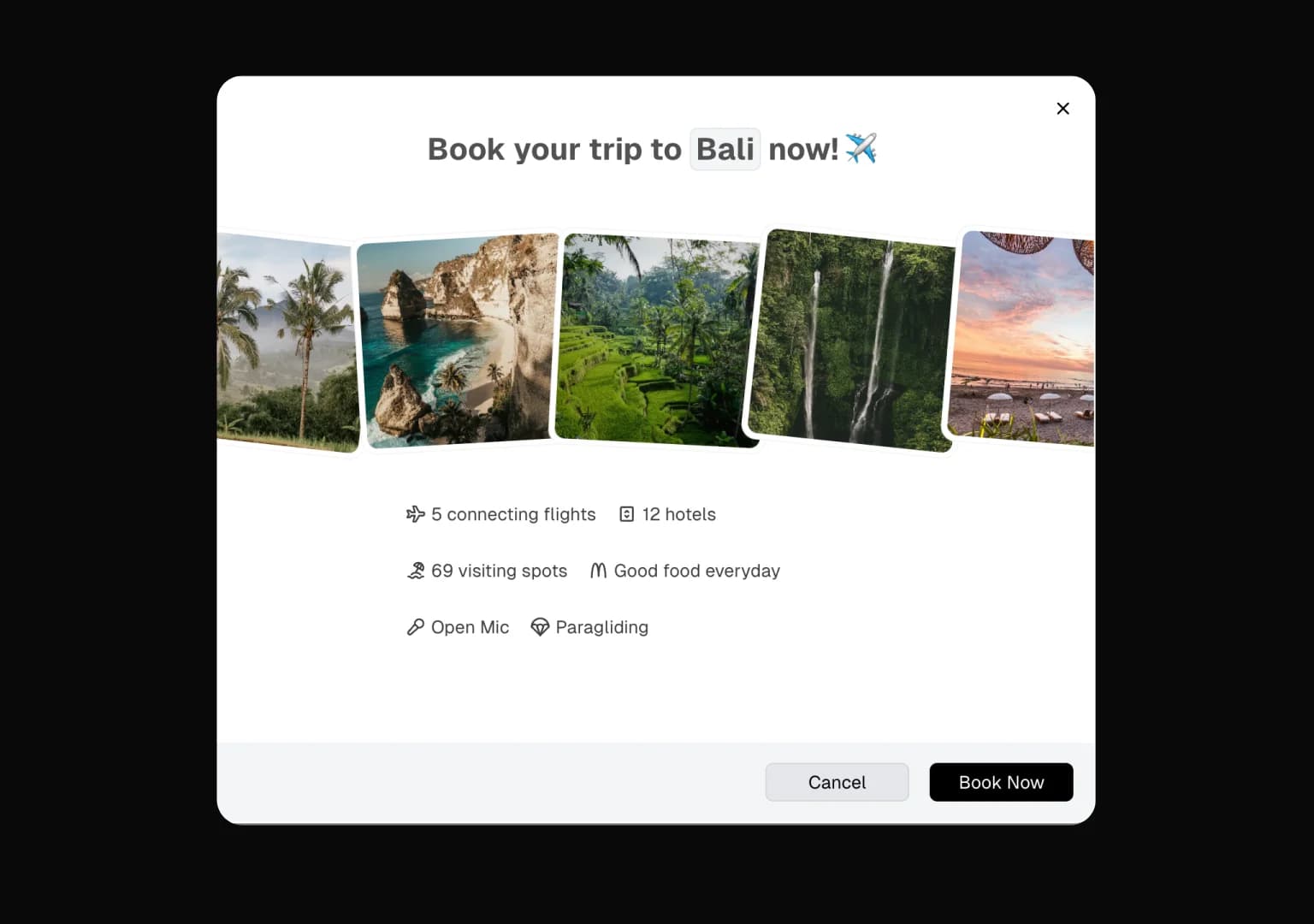
复制这段 TSX 组件源码,交给 Cursor、v0、Claude 等 AI 编程工具,说明这是「Animated Modal」的 Aceternity UI 组件实现,即可让它接入你的 React 项目,再按需替换文案、配色与触发参数复用。
Prompt
// components/ui/animated-modal.tsx "use client"; import { cn } from "@/lib/utils"; import { AnimatePresence, motion } from "motion/react"; import React, { ReactNode, createContext,…
宠物店 CozyPaws 的 hero 区块,React + Tailwind + Lucide,暖色调亲和路线。
Prompt
## Prompt to Recreate CozyPaws Hero Section **Build a single-page "CozyPaws" pet store hero section using React, Tailwind CSS, and Lucide React icons. The layout is viewport-height…
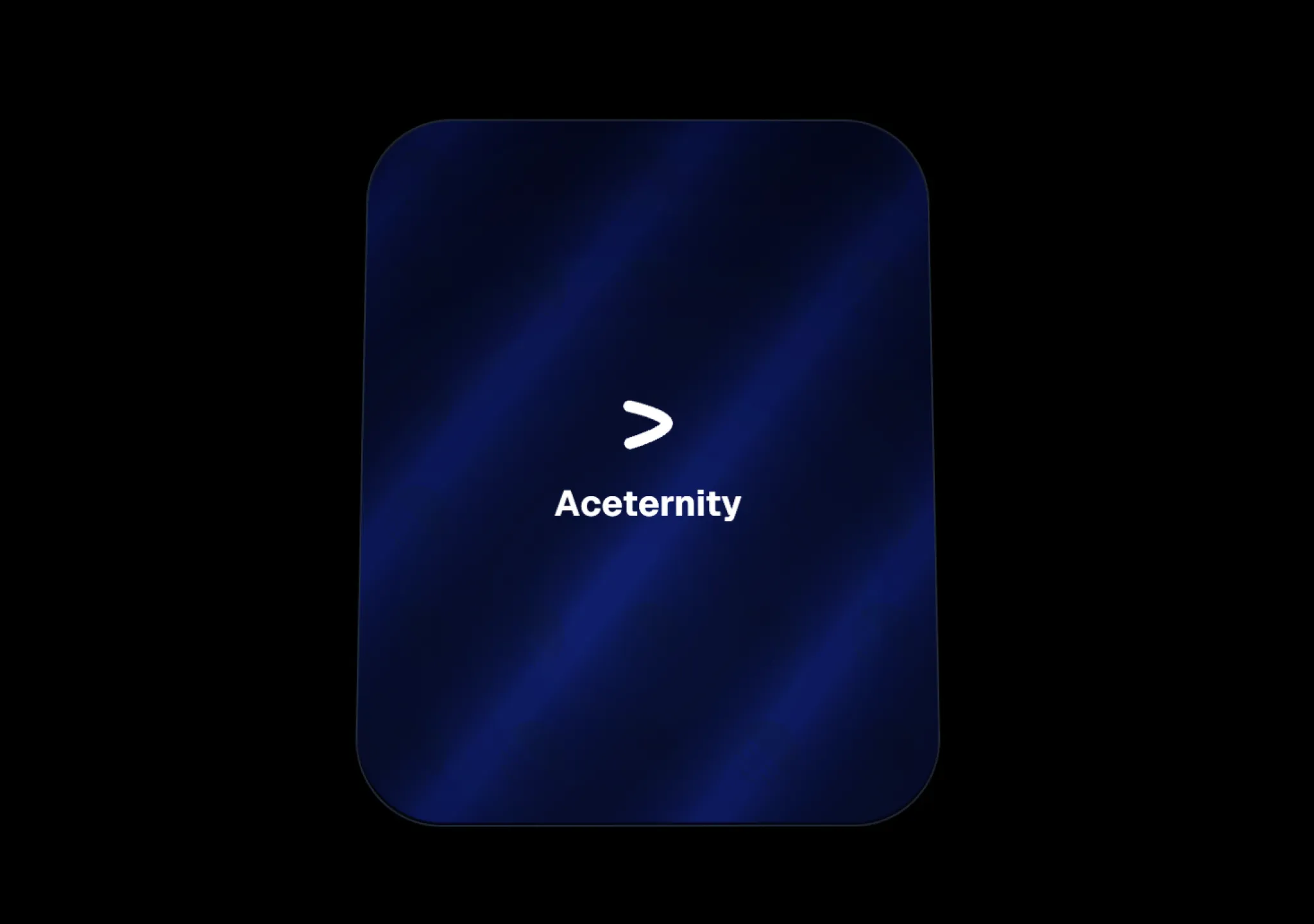
复制这段 TSX 组件源码,交给 Cursor、v0、Claude 等 AI 编程工具,说明这是「Glare Card」的 Aceternity UI 组件实现,即可让它接入你的 React 项目,再按需替换文案、配色与触发参数复用。
Prompt
// components/ui/glare-card.tsx "use client"; import { cn } from "@/lib/utils"; import { useRef } from "react"; export const GlareCard = ({ children, className, }: { children:…
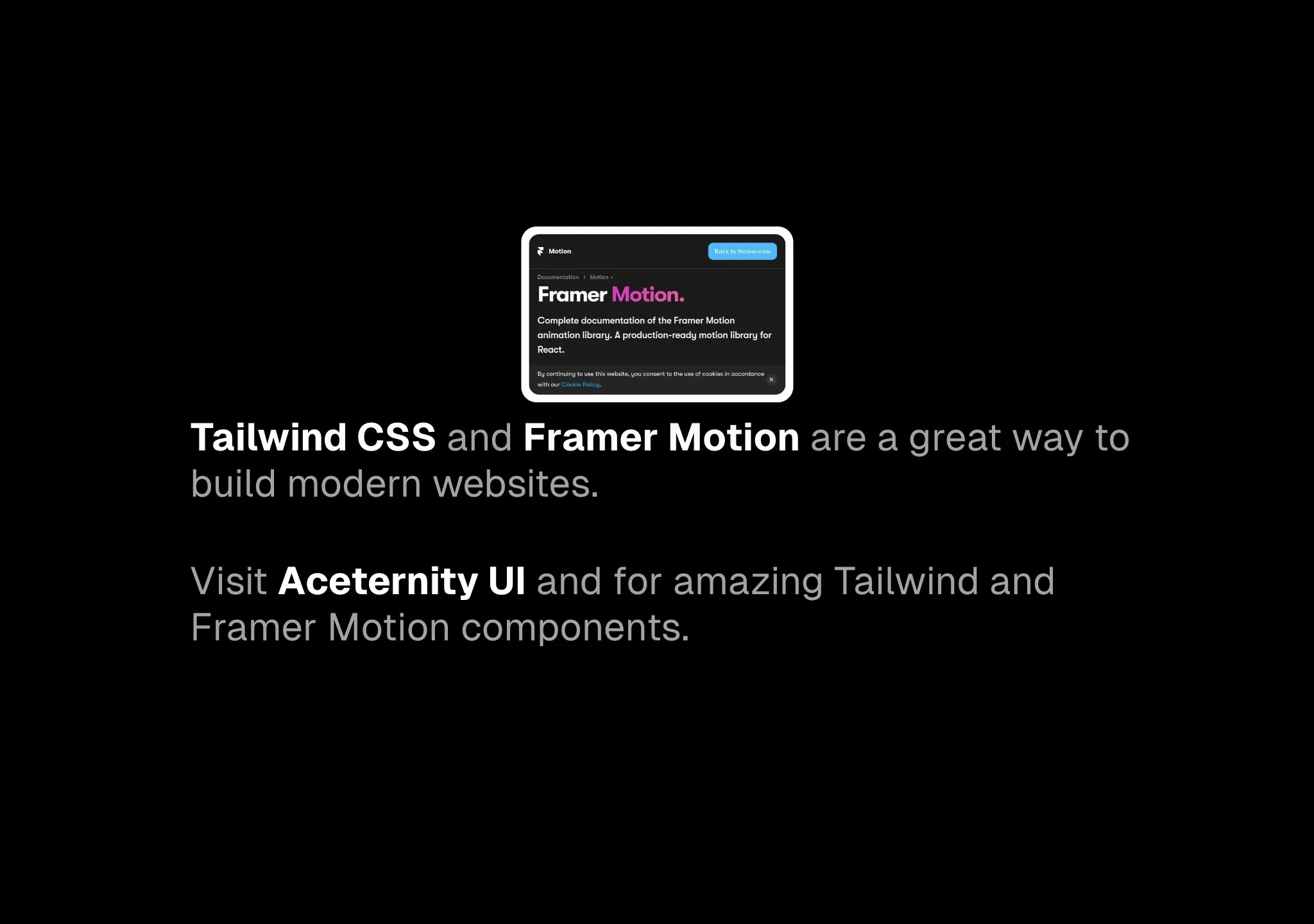
复制这段 TSX 组件源码,交给 Cursor、v0、Claude 等 AI 编程工具,说明这是「Link Preview」的 Aceternity UI 组件实现,即可让它接入你的 React 项目,再按需替换文案、配色与触发参数复用。
Prompt
// components/ui/link-preview.tsx "use client"; import * as HoverCardPrimitive from "@radix-ui/react-hover-card"; import { encode } from "qss"; import React from "react"; import {…
三台 iPhone 并排展示教会网站移动端设计,走 React Native + Expo Router 技术栈,这批里少见的原生移动端 prompt。
Prompt
Create a mobile app showcase page displaying 3 iPhone mockups for "Christ Family Church" -- a church website mobile design. Use React Native with Expo Router, react-native-reanimated, and…

复制这段 TSX 组件源码,交给 Cursor、v0、Claude 等 AI 编程工具,说明这是「Flip Words」的 Aceternity UI 组件实现,即可让它接入你的 React 项目,再按需替换文案、配色与触发参数复用。
Prompt
// components/ui/flip-words.tsx "use client"; import React, { useCallback, useEffect, useRef, useState } from "react"; import { AnimatePresence, motion, LayoutGroup } from "motion/react";…
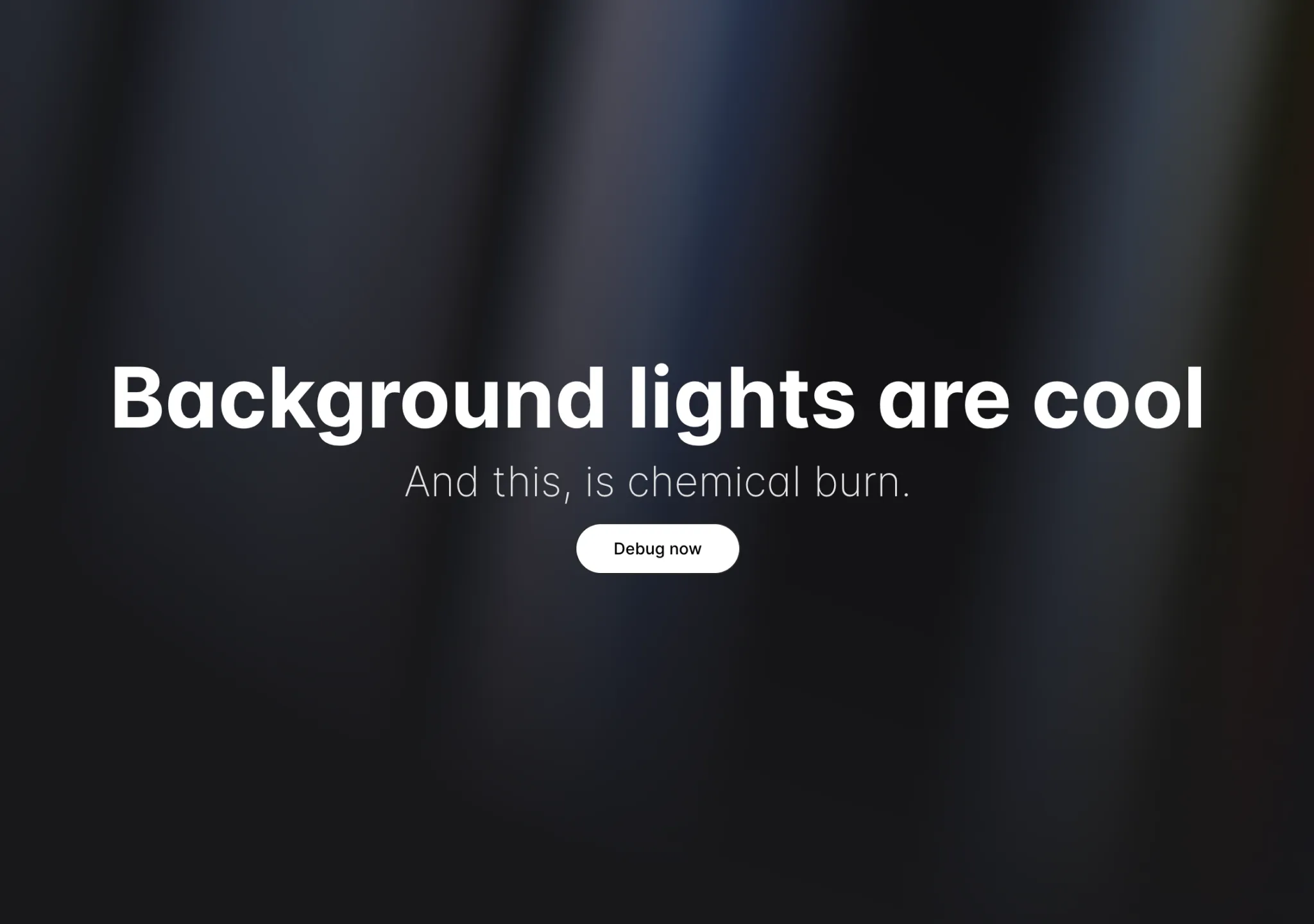
复制这段 TSX 组件源码,交给 Cursor、v0、Claude 等 AI 编程工具,说明这是「Aurora Background」的 Aceternity UI 组件实现,即可让它接入你的 React 项目,再按需替换文案、配色与触发参数复用。
Prompt
// components/ui/aurora-background.tsx "use client"; import { cn } from "@/lib/utils"; import React, { ReactNode } from "react"; interface AuroraBackgroundProps extends…
复制完整建站 Prompt 到 AI 编程工具(Cursor、v0、Claude 等)生成「Vision Reveal」对应的页面区块,替换文案、品牌与素材链接即可复用。
Prompt
<!DOCTYPE html> <html lang="en"> <head> <meta charset="UTF-8"/> <meta name="viewport" content="width=device-width, initial-scale=1.0"/> <title>Creative Studio Showcase</title> <link…

