Loading…
Loading…
Creator · Aceternity UI
The reproduction prompt keeps the original and adds runtime, asset and acceptance requirements. These additions are not the author’s words.
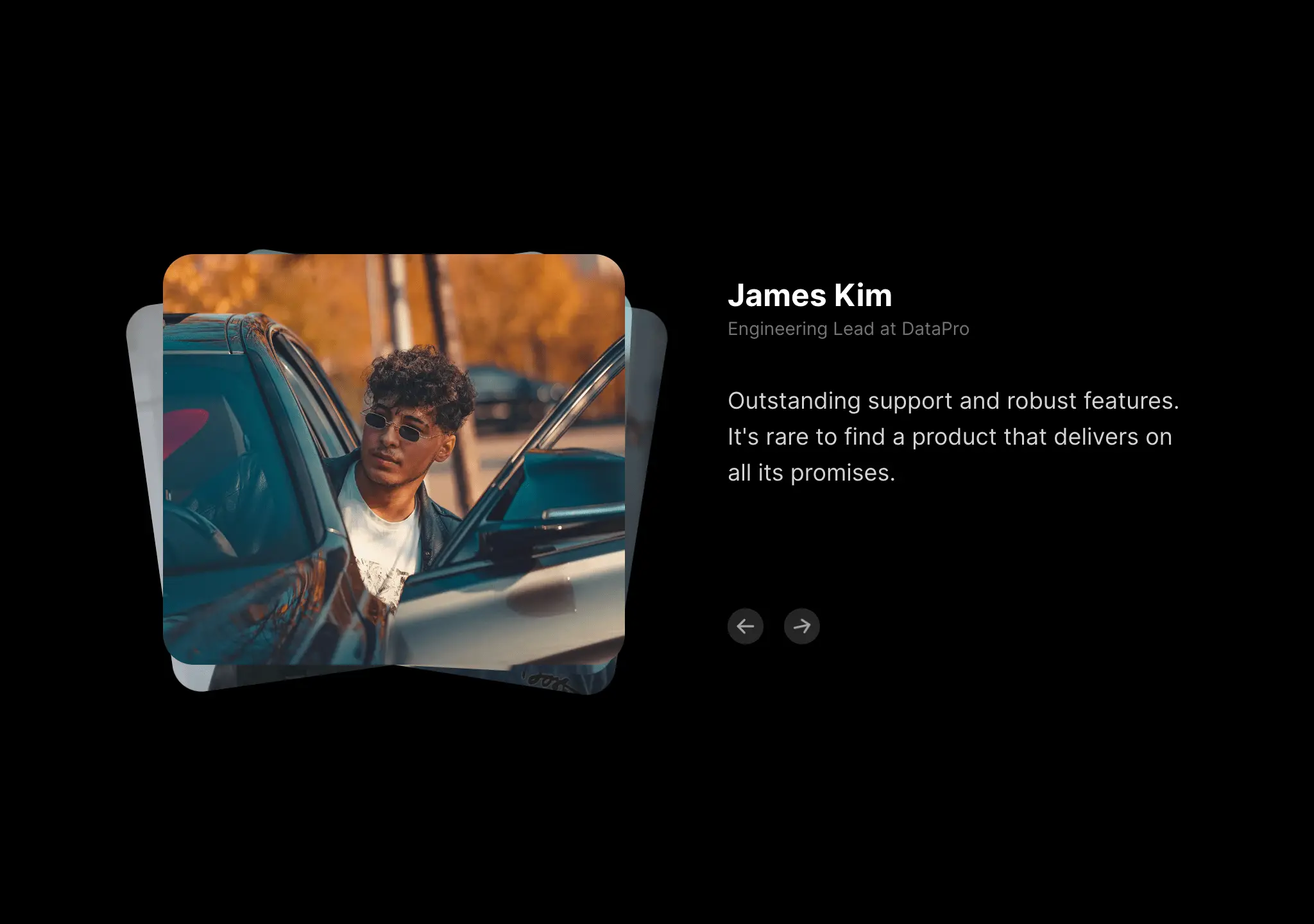
// components/ui/animated-testimonials.tsx
"use client";

import { IconArrowLeft, IconArrowRight } from "@tabler/icons-react";
import { motion, AnimatePresence } from "motion/react";

import { useEffect, useState } from "react";

type Testimonial = {
  quote: string;
  name: string;
  designation: string;
  src: string;
};
export const AnimatedTestimonials = ({
  testimonials,
  autoplay = false,
}: {
  testimonials: Testimonial[];
  autoplay?: boolean;
}) => {
  const [active, setActive] = useState(0);

  const handleNext = () => {
    setActive((prev) => (prev + 1) % testimonials.length);
  };

  const handlePrev = () => {
    setActive((prev) => (prev - 1 + testimonials.length) % testimonials.length);
  };

  const isActive = (index: number) => {
    return index === active;
  };

  useEffect(() => {
    if (autoplay) {
      const interval = setInterval(handleNext, 5000);
      return () => clearInterval(interval);
    }
  }, [autoplay]);

  const randomRotateY = () => {
    return Math.floor(Math.random() * 21) - 10;
  };
  return (
    <div className="mx-auto max-w-sm px-4 py-20 font-sans antialiased md:max-w-4xl md:px-8 lg:px-12">
      <div className="relative grid grid-cols-1 gap-20 md:grid-cols-2">
        <div>
          <div className="relative h-80 w-full">
            <AnimatePresence>
              {testimonials.map((testimonial, index) => (
                <motion.div
                  key={testimonial.src}
                  initial={{
                    opacity: 0,
                    scale: 0.9,
                    z: -100,
                    rotate: randomRotateY(),
                  }}
                  animate={{
                    opacity: isActive(index) ? 1 : 0.7,
                    scale: isActive(index) ? 1 : 0.95,
                    z: isActive(index) ? 0 : -100,
                    rotate: isActive(index) ? 0 : randomRotateY(),
                    zIndex: isActive(index)
                      ? 40
                      : testimonials.length + 2 - index,
                    y: isActive(index) ? [0, -80, 0] : 0,
                  }}
                  exit={{
                    opacity: 0,
                    scale: 0.9,
                    z: 100,
                    rotate: randomRotateY(),
                  }}
                  transition={{
                    duration: 0.4,
                    ease: "easeInOut",
                  }}
                  className="absolute inset-0 origin-bottom"
                >
                  <img
                    src={testimonial.src}
                    alt={testimonial.name}
                    width={500}
                    height={500}
                    draggable={false}
                    className="h-full w-full rounded-3xl object-cover object-center"
                  />
                </motion.div>
              ))}
            </AnimatePresence>
          </div>
        </div>
        <div className="flex flex-col justify-between py-4">
          <motion.div
            key={active}
            initial={{
              y: 20,
              opacity: 0,
            }}
            animate={{
              y: 0,
              opacity: 1,
            }}
            exit={{
              y: -20,
              opacity: 0,
            }}
            transition={{
              duration: 0.2,
              ease: "easeInOut",
            }}
          >
            <h3 className="text-2xl font-bold text-black dark:text-white">
              {testimonials[active].name}
            </h3>
            <p className="text-sm text-gray-500 dark:text-neutral-500">
              {testimonials[active].designation}
            </p>
            <motion.p className="mt-8 text-lg text-gray-500 dark:text-neutral-300">
              {testimonials[active].quote.split(" ").map((word, index) => (
                <motion.span
                  key={index}
                  initial={{
                    filter: "blur(10px)",
                    opacity: 0,
                    y: 5,
                  }}
                  animate={{
                    filter: "blur(0px)",
                    opacity: 1,
                    y: 0,
                  }}
                  transition={{
                    duration: 0.2,
                    ease: "easeInOut",
                    delay: 0.02 * index,
                  }}
                  className="inline-block"
                >
                  {word}
                </motion.span>
              ))}
            </motion.p>
          </motion.div>
          <div className="flex gap-4 pt-12 md:pt-0">
            <button
              onClick={handlePrev}
              className="group/button flex h-7 w-7 items-center justify-center rounded-full bg-gray-100 dark:bg-neutral-800"
            >
              <IconArrowLeft className="h-5 w-5 text-black transition-transform duration-300 group-hover/button:rotate-12 dark:text-neutral-400" />
            </button>
            <button
              onClick={handleNext}
              className="group/button flex h-7 w-7 items-center justify-center rounded-full bg-gray-100 dark:bg-neutral-800"
            >
              <IconArrowRight className="h-5 w-5 text-black transition-transform duration-300 group-hover/button:-rotate-12 dark:text-neutral-400" />
            </button>
          </div>
        </div>
      </div>
    </div>
  );
};Models & stability
Recommended models
Keep exploring

Copy this TSX component source into an AI coding tool such as Cursor, v0, or Claude, and tell it this is the Aceternity UI 3D Animated Pin component. It can then wire it into your React project, and you can swap the copy, colors, and trigger parameters to reuse it.
Prompt
// components/ui/3d-pin.tsx "use client"; import React, { useState } from "react"; import { motion } from "motion/react"; import { cn } from "@/lib/utils"; export const PinContainer = ({ children, title, href, className, containerClassName…

Copy this TSX component source into an AI coding tool such as Cursor, v0, or Claude, and tell it this is the Aceternity UI 3D Globe component. It can then wire it into your React project, and you can swap the copy, colors, and trigger parameters to reuse it.
Prompt
// components/ui/3d-globe.tsx "use client"; import React, { useRef, useMemo, useState, useCallback, Suspense } from "react"; import { Canvas, useFrame, useThree } from "@react-three/fiber"; import { OrbitControls, Html, useTexture } from "…
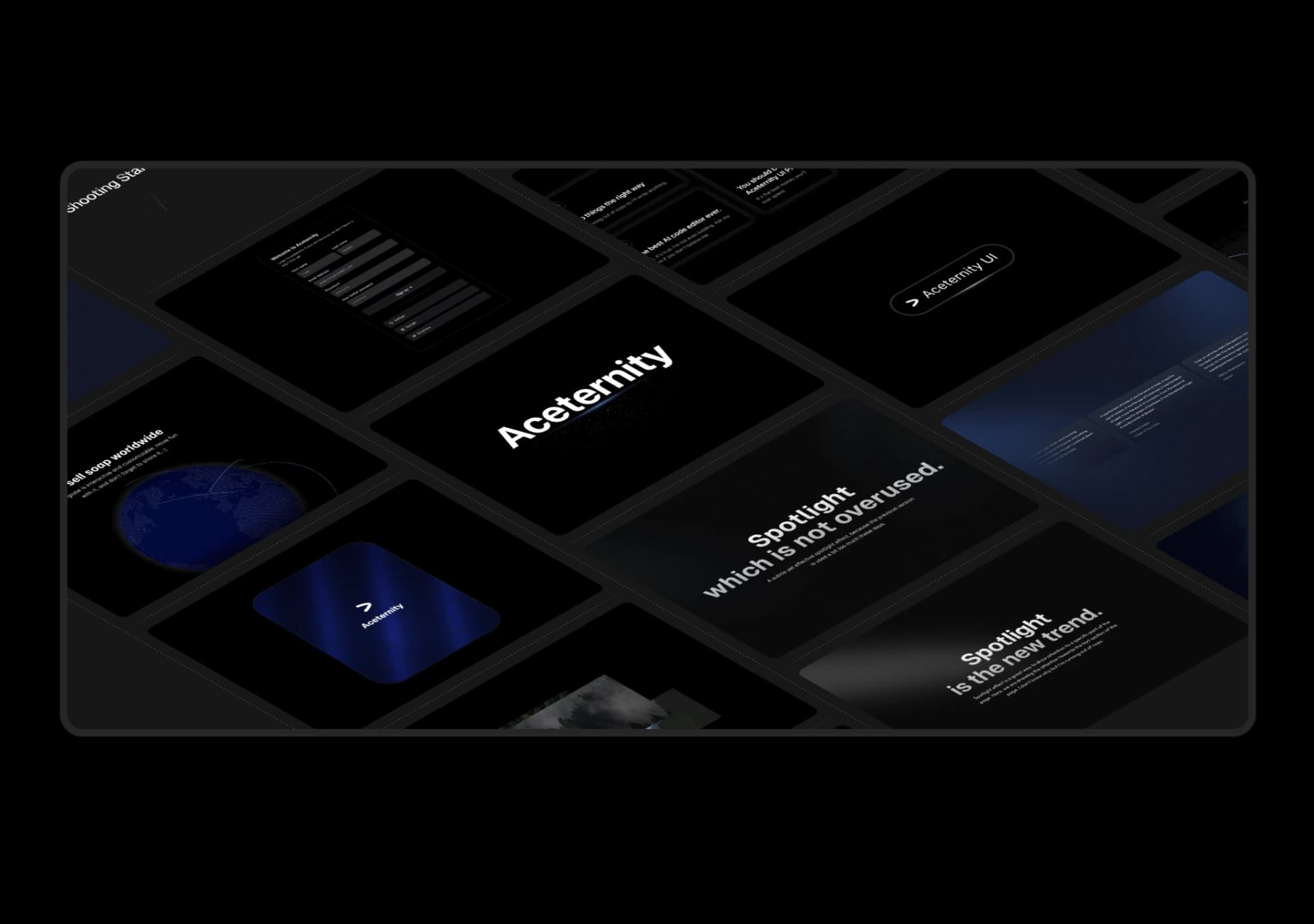
Copy this TSX component source into an AI coding tool such as Cursor, v0, or Claude, and tell it this is the Aceternity UI 3D Marquee component. It can then wire it into your React project, and you can swap the copy, colors, and trigger parameters to reuse it.
Prompt
// components/ui/3d-marquee.tsx "use client"; import { motion } from "motion/react"; import { cn } from "@/lib/utils"; export const ThreeDMarquee = ({ images, className, }: { images: string[]; className?: string; }) => { // Split the image…
Same creator
Each detail page keeps the original result, the prompt, and retest evidence in one reading path.