Loading…
Loading…
Creator · Aceternity UI
The reproduction prompt keeps the original and adds runtime, asset and acceptance requirements. These additions are not the author’s words.
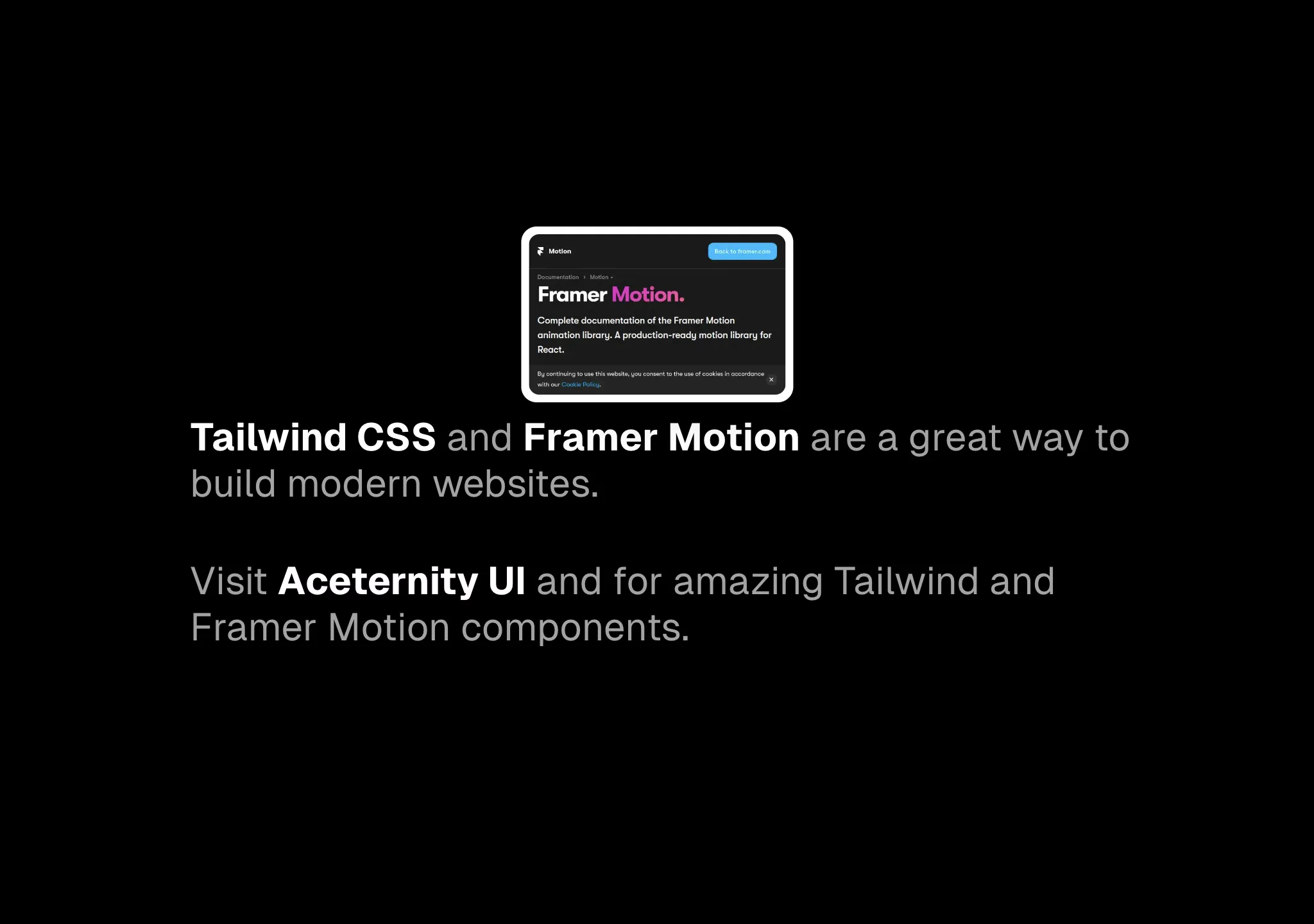
// components/ui/link-preview.tsx
"use client";
import * as HoverCardPrimitive from "@radix-ui/react-hover-card";

import { encode } from "qss";
import React from "react";
import {
  AnimatePresence,
  motion,
  useMotionValue,
  useSpring,
} from "motion/react";

import { cn } from "@/lib/utils";

type LinkPreviewProps = {
  children: React.ReactNode;
  url: string;
  className?: string;
  width?: number;
  height?: number;
  quality?: number;
  layout?: string;
} & (
  | { isStatic: true; imageSrc: string }
  | { isStatic?: false; imageSrc?: never }
);

export const LinkPreview = ({
  children,
  url,
  className,
  width = 200,
  height = 125,
  quality = 50,
  layout = "fixed",
  isStatic = false,
  imageSrc = "",
}: LinkPreviewProps) => {
  let src;
  if (!isStatic) {
    const params = encode({
      url,
      screenshot: true,
      meta: false,
      embed: "screenshot.url",
      colorScheme: "dark",
      "viewport.isMobile": true,
      "viewport.deviceScaleFactor": 1,
      "viewport.width": width * 3,
      "viewport.height": height * 3,
    });
    src = `https://api.microlink.io/?${params}`;
  } else {
    src = imageSrc;
  }

  const [isOpen, setOpen] = React.useState(false);

  const [isMounted, setIsMounted] = React.useState(false);

  React.useEffect(() => {
    setIsMounted(true);
  }, []);

  const springConfig = { stiffness: 100, damping: 15 };
  const x = useMotionValue(0);

  const translateX = useSpring(x, springConfig);

  const handleMouseMove = (event: any) => {
    const targetRect = event.target.getBoundingClientRect();
    const eventOffsetX = event.clientX - targetRect.left;
    const offsetFromCenter = (eventOffsetX - targetRect.width / 2) / 2; // Reduce the effect to make it subtle
    x.set(offsetFromCenter);
  };

  return (
    <>
      {isMounted ? (
        <div className="hidden">
          <img
            src={src}
            width={width}
            height={height}
            alt="hidden image"
          />
        </div>
      ) : null}

      <HoverCardPrimitive.Root
        openDelay={50}
        closeDelay={100}
        onOpenChange={(open) => {
          setOpen(open);
        }}
      >
        <HoverCardPrimitive.Trigger
          onMouseMove={handleMouseMove}
          className={cn("text-black dark:text-white", className)}
          href={url}
        >
          {children}
        </HoverCardPrimitive.Trigger>

        <HoverCardPrimitive.Content
          className="[transform-origin:var(--radix-hover-card-content-transform-origin)]"
          side="top"
          align="center"
          sideOffset={10}
        >
          <AnimatePresence>
            {isOpen && (
              <motion.div
                initial={{ opacity: 0, y: 20, scale: 0.6 }}
                animate={{
                  opacity: 1,
                  y: 0,
                  scale: 1,
                  transition: {
                    type: "spring",
                    stiffness: 260,
                    damping: 20,
                  },
                }}
                exit={{ opacity: 0, y: 20, scale: 0.6 }}
                className="shadow-xl rounded-xl"
                style={{
                  x: translateX,
                }}
              >
                <a
                  href={url}
                  className="block p-1 bg-white border-2 border-transparent shadow rounded-xl hover:border-neutral-200 dark:hover:border-neutral-800"
                  style={{ fontSize: 0 }}
                >
                  <img
                    src={isStatic ? imageSrc : src}
                    width={width}
                    height={height}
                    className="rounded-lg"
                    alt="preview image"
                  />
                </a>
              </motion.div>
            )}
          </AnimatePresence>
        </HoverCardPrimitive.Content>
      </HoverCardPrimitive.Root>
    </>
  );
};Models & stability
Recommended models
Independent reproductions
 Open reproduction ↗
GLM-5.3 单次生成;Codex 人工修复运行依赖、必要源码及移动布局,未重新生成。桌面/手机真实渲染和资源检查通过;完整功能与视觉还原尚未全部验收。源码、截图和修复记录见复现出处。
Reproduction source ↗Keep exploring

Copy this TSX component source into an AI coding tool such as Cursor, v0, or Claude, and tell it this is the Aceternity UI 3D Animated Pin component. It can then wire it into your React project, and you can swap the copy, colors, and trigger parameters to reuse it.
Prompt
// components/ui/3d-pin.tsx "use client"; import React, { useState } from "react"; import { motion } from "motion/react"; import { cn } from "@/lib/utils"; export const PinContainer = ({ children, title, href, className, containerClassName…
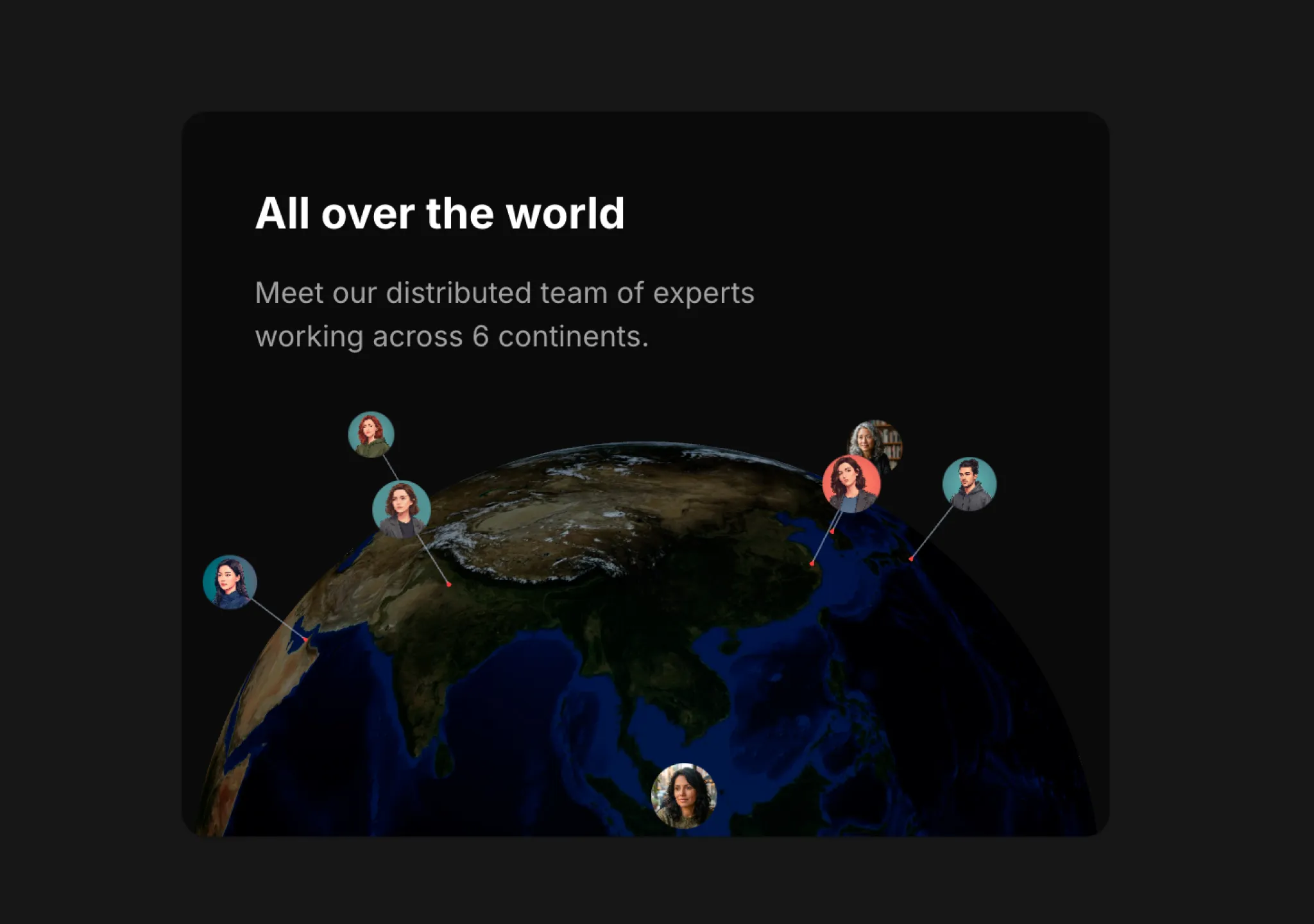
Copy this TSX component source into an AI coding tool such as Cursor, v0, or Claude, and tell it this is the Aceternity UI 3D Globe component. It can then wire it into your React project, and you can swap the copy, colors, and trigger parameters to reuse it.
Prompt
// components/ui/3d-globe.tsx "use client"; import React, { useRef, useMemo, useState, useCallback, Suspense } from "react"; import { Canvas, useFrame, useThree } from "@react-three/fiber"; import { OrbitControls, Html, useTexture } from "…
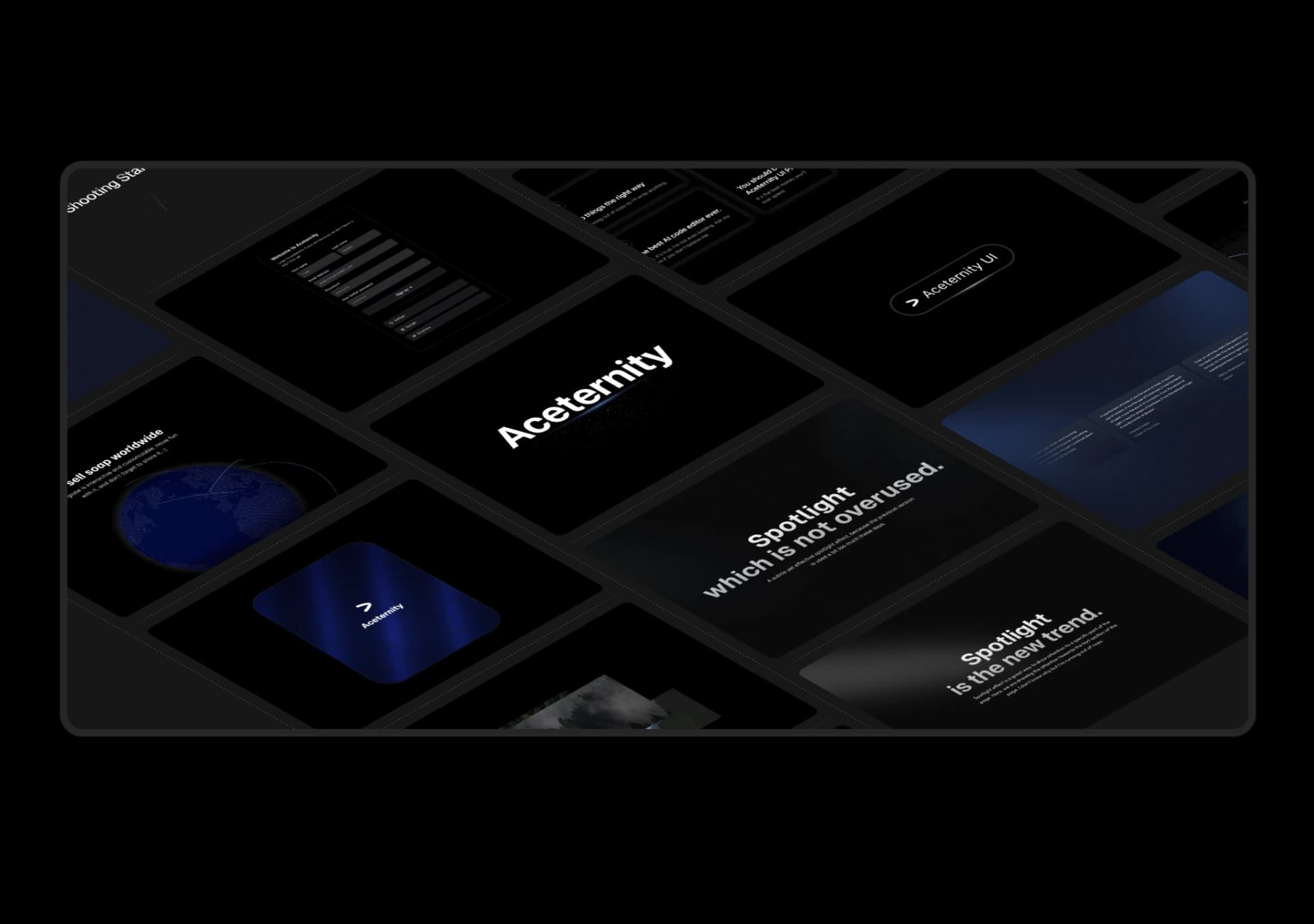
Copy this TSX component source into an AI coding tool such as Cursor, v0, or Claude, and tell it this is the Aceternity UI 3D Marquee component. It can then wire it into your React project, and you can swap the copy, colors, and trigger parameters to reuse it.
Prompt
// components/ui/3d-marquee.tsx "use client"; import { motion } from "motion/react"; import { cn } from "@/lib/utils"; export const ThreeDMarquee = ({ images, className, }: { images: string[]; className?: string; }) => { // Split the image…
Same creator
Each detail page keeps the original result, the prompt, and retest evidence in one reading path.