加载中…
创作者 · Aceternity UI
复刻提示词保留原文,另附运行环境、素材与验收要求;附加说明不是原作者原话。
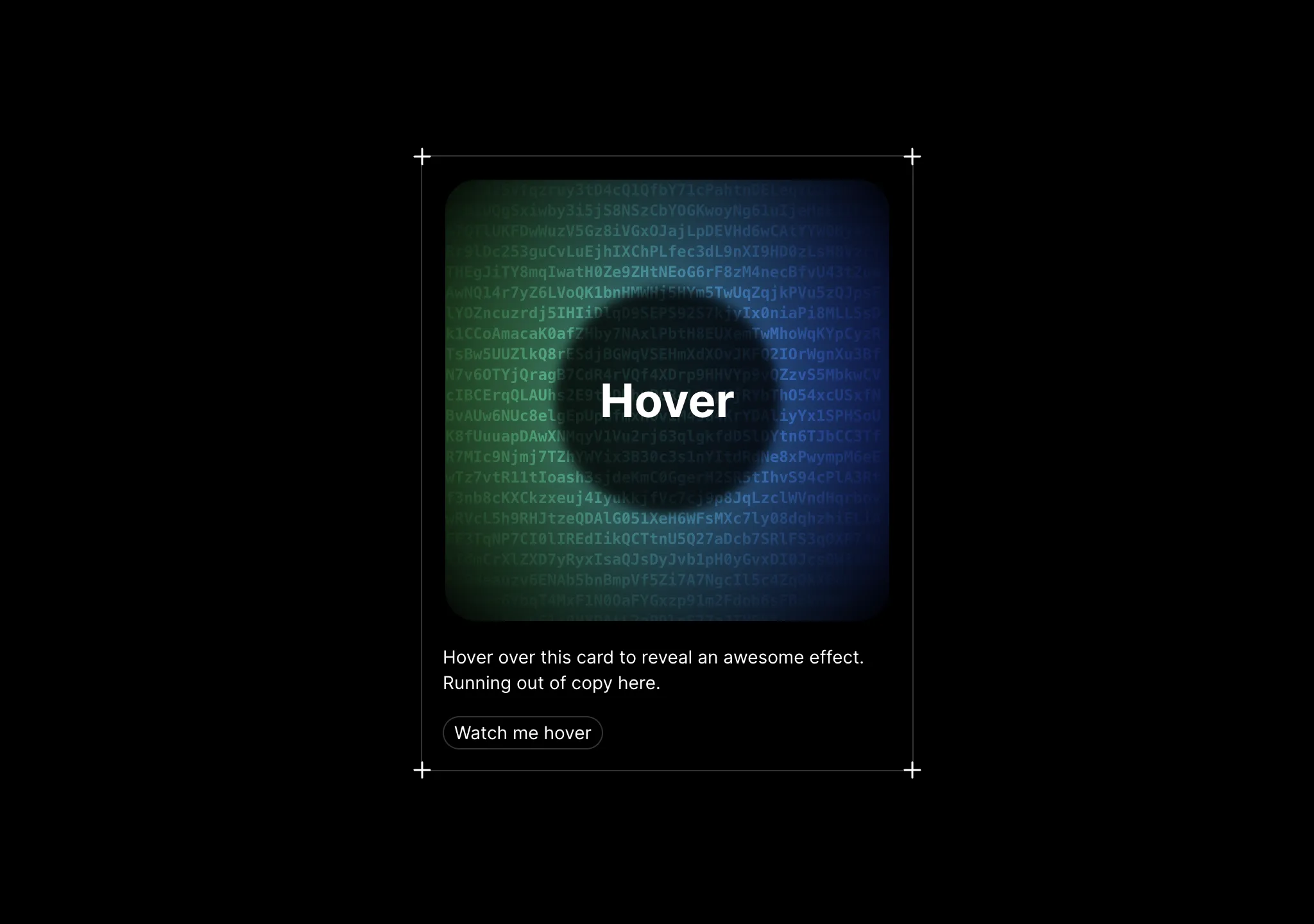
// components/ui/encrypted-text.tsx
"use client";
import React, { useEffect, useRef, useState } from "react";
import { motion, useInView } from "motion/react";
import { cn } from "@/lib/utils";

type EncryptedTextProps = {
  text: string;
  className?: string;
  /**
   * Time in milliseconds between revealing each subsequent real character.
   * Lower is faster. Defaults to 50ms per character.
   */
  revealDelayMs?: number;
  /** Optional custom character set to use for the gibberish effect. */
  charset?: string;
  /**
   * Time in milliseconds between gibberish flips for unrevealed characters.
   * Lower is more jittery. Defaults to 50ms.
   */
  flipDelayMs?: number;
  /** CSS class for styling the encrypted/scrambled characters */
  encryptedClassName?: string;
  /** CSS class for styling the revealed characters */
  revealedClassName?: string;
};

const DEFAULT_CHARSET =
  "ABCDEFGHIJKLMNOPQRSTUVWXYZabcdefghijklmnopqrstuvwxyz0123456789!@#$%^&*()_+-={}[];:,.<>/?";

function generateRandomCharacter(charset: string): string {
  const index = Math.floor(Math.random() * charset.length);
  return charset.charAt(index);
}

function generateGibberishPreservingSpaces(
  original: string,
  charset: string,
): string {
  if (!original) return "";
  let result = "";
  for (let i = 0; i < original.length; i += 1) {
    const ch = original[i];
    result += ch === " " ? " " : generateRandomCharacter(charset);
  }
  return result;
}

export const EncryptedText: React.FC<EncryptedTextProps> = ({
  text,
  className,
  revealDelayMs = 50,
  charset = DEFAULT_CHARSET,
  flipDelayMs = 50,
  encryptedClassName,
  revealedClassName,
}) => {
  const ref = useRef<HTMLSpanElement>(null);
  const isInView = useInView(ref, { once: true });

  const [revealCount, setRevealCount] = useState<number>(0);
  const animationFrameRef = useRef<number | null>(null);
  const startTimeRef = useRef<number>(0);
  const lastFlipTimeRef = useRef<number>(0);
  const scrambleCharsRef = useRef<string[]>(
    text ? generateGibberishPreservingSpaces(text, charset).split("") : [],
  );

  useEffect(() => {
    if (!isInView) return;

    // Reset state for a fresh animation whenever dependencies change
    const initial = text
      ? generateGibberishPreservingSpaces(text, charset)
      : "";
    scrambleCharsRef.current = initial.split("");
    startTimeRef.current = performance.now();
    lastFlipTimeRef.current = startTimeRef.current;
    setRevealCount(0);

    let isCancelled = false;

    const update = (now: number) => {
      if (isCancelled) return;

      const elapsedMs = now - startTimeRef.current;
      const totalLength = text.length;
      const currentRevealCount = Math.min(
        totalLength,
        Math.floor(elapsedMs / Math.max(1, revealDelayMs)),
      );

      setRevealCount(currentRevealCount);

      if (currentRevealCount >= totalLength) {
        return;
      }

      // Re-randomize unrevealed scramble characters on an interval
      const timeSinceLastFlip = now - lastFlipTimeRef.current;
      if (timeSinceLastFlip >= Math.max(0, flipDelayMs)) {
        for (let index = 0; index < totalLength; index += 1) {
          if (index >= currentRevealCount) {
            if (text[index] !== " ") {
              scrambleCharsRef.current[index] =
                generateRandomCharacter(charset);
            } else {
              scrambleCharsRef.current[index] = " ";
            }
          }
        }
        lastFlipTimeRef.current = now;
      }

      animationFrameRef.current = requestAnimationFrame(update);
    };

    animationFrameRef.current = requestAnimationFrame(update);

    return () => {
      isCancelled = true;
      if (animationFrameRef.current !== null) {
        cancelAnimationFrame(animationFrameRef.current);
      }
    };
  }, [isInView, text, revealDelayMs, charset, flipDelayMs]);

  if (!text) return null;

  return (
    <motion.span
      ref={ref}
      className={cn(className)}
      aria-label={text}
      role="text"
    >
      {text.split("").map((char, index) => {
        const isRevealed = index < revealCount;
        const displayChar = isRevealed
          ? char
          : char === " "
            ? " "
            : (scrambleCharsRef.current[index] ??
              generateRandomCharacter(charset));

        return (
          <span
            key={index}
            className={cn(isRevealed ? revealedClassName : encryptedClassName)}
          >
            {displayChar}
          </span>
        );
      })}
    </motion.span>
  );
};适用模型与稳定度
建议模型
多人复现
继续探索

复制这段 TSX 组件源码,交给 Cursor、v0、Claude 等 AI 编程工具,说明这是「3D Animated Pin」的 Aceternity UI 组件实现,即可让它接入你的 React 项目,再按需替换文案、配色与触发参数复用。
提示语
// components/ui/3d-pin.tsx "use client"; import React, { useState } from "react"; import { motion } from "motion/react"; import { cn } from "@/lib/utils"; export const PinContainer = ({ children, title, href, className, containerClassName…

复制这段 TSX 组件源码,交给 Cursor、v0、Claude 等 AI 编程工具,说明这是「3D Globe」的 Aceternity UI 组件实现,即可让它接入你的 React 项目,再按需替换文案、配色与触发参数复用。
提示语
// components/ui/3d-globe.tsx "use client"; import React, { useRef, useMemo, useState, useCallback, Suspense } from "react"; import { Canvas, useFrame, useThree } from "@react-three/fiber"; import { OrbitControls, Html, useTexture } from "…

复制这段 TSX 组件源码,交给 Cursor、v0、Claude 等 AI 编程工具,说明这是「3D Marquee」的 Aceternity UI 组件实现,即可让它接入你的 React 项目,再按需替换文案、配色与触发参数复用。
提示语
// components/ui/3d-marquee.tsx "use client"; import { motion } from "motion/react"; import { cn } from "@/lib/utils"; export const ThreeDMarquee = ({ images, className, }: { images: string[]; className?: string; }) => { // Split the image…
Case 详情页把原帖效果、Prompt 与复测证据放在同一条阅读路径里。