加载中…
创作者 · Aceternity UI
查看原始来源 ↗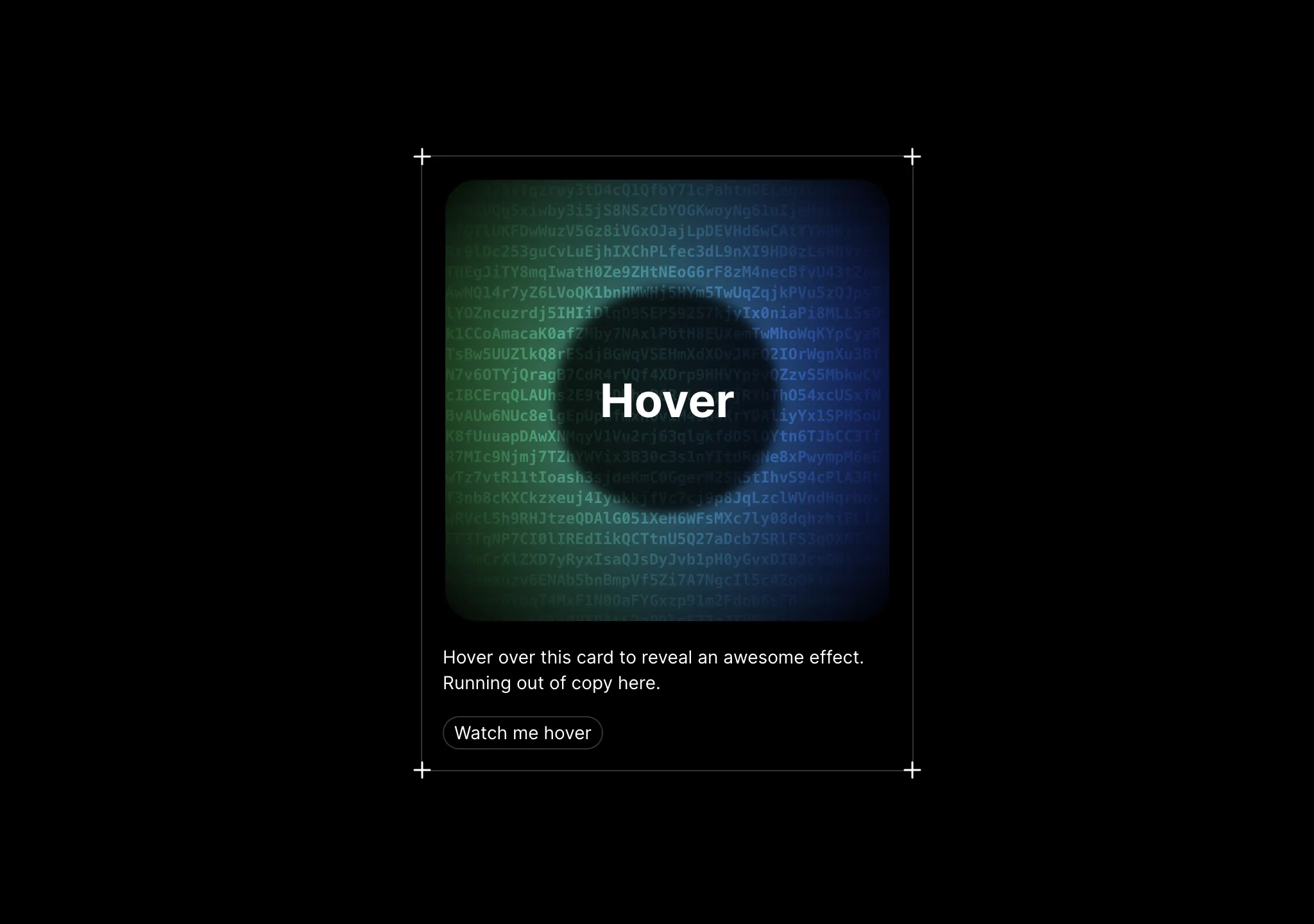
Prompt
// components/ui/evervault-card.tsx
"use client";
import { useMotionValue } from "motion/react";
import React, { useState, useEffect } from "react";
import { useMotionTemplate, motion } from "motion/react";
import { cn } from "@/lib/utils";

export const EvervaultCard = ({
  text,
  className,
}: {
  text?: string;
  className?: string;
}) => {
  let mouseX = useMotionValue(0);
  let mouseY = useMotionValue(0);

  const [randomString, setRandomString] = useState("");

  useEffect(() => {
    let str = generateRandomString(1500);
    setRandomString(str);
  }, []);

  function onMouseMove({ currentTarget, clientX, clientY }: any) {
    let { left, top } = currentTarget.getBoundingClientRect();
    mouseX.set(clientX - left);
    mouseY.set(clientY - top);

    const str = generateRandomString(1500);
    setRandomString(str);
  }

  return (
    <div
      className={cn(
        "p-0.5  bg-transparent aspect-square  flex items-center justify-center w-full h-full relative",
        className
      )}
    >
      <div
        onMouseMove={onMouseMove}
        className="group/card rounded-3xl w-full relative overflow-hidden bg-transparent flex items-center justify-center h-full"
      >
        <CardPattern
          mouseX={mouseX}
          mouseY={mouseY}
          randomString={randomString}
        />
        <div className="relative z-10 flex items-center justify-center">
          <div className="relative h-44 w-44  rounded-full flex items-center justify-center text-white font-bold text-4xl">
            <div className="absolute w-full h-full bg-white/[0.8] dark:bg-black/[0.8] blur-sm rounded-full" />
            <span className="dark:text-white text-black z-20">{text}</span>
          </div>
        </div>
      </div>
    </div>
  );
};

export function CardPattern({ mouseX, mouseY, randomString }: any) {
  let maskImage = useMotionTemplate`radial-gradient(250px at ${mouseX}px ${mouseY}px, white, transparent)`;
  let style = { maskImage, WebkitMaskImage: maskImage };

  return (
    <div className="pointer-events-none">
      <div className="absolute inset-0 rounded-2xl  [mask-image:linear-gradient(white,transparent)] group-hover/card:opacity-50"></div>
      <motion.div
        className="absolute inset-0 rounded-2xl bg-gradient-to-r from-green-500 to-blue-700 opacity-0  group-hover/card:opacity-100 backdrop-blur-xl transition duration-500"
        style={style}
      />
      <motion.div
        className="absolute inset-0 rounded-2xl opacity-0 mix-blend-overlay  group-hover/card:opacity-100"
        style={style}
      >
        <p className="absolute inset-x-0 text-xs h-full break-words whitespace-pre-wrap text-white font-mono font-bold transition duration-500">
          {randomString}
        </p>
      </motion.div>
    </div>
  );
}

const characters =
  "ABCDEFGHIJKLMNOPQRSTUVWXYZabcdefghijklmnopqrstuvwxyz0123456789";
export const generateRandomString = (length: number) => {
  let result = "";
  for (let i = 0; i < length; i++) {
    result += characters.charAt(Math.floor(Math.random() * characters.length));
  }
  return result;
};

export const Icon = ({ className, ...rest }: any) => {
  return (
    <svg
      xmlns="http://www.w3.org/2000/svg"
      fill="none"
      viewBox="0 0 24 24"
      strokeWidth="1.5"
      stroke="currentColor"
      className={className}
      {...rest}
    >
      <path strokeLinecap="round" strokeLinejoin="round" d="M12 6v12m6-6H6" />
    </svg>
  );
};适用模型与稳定度
建议模型
继续探索

@Oluwaphilemon1 使用 Claude Fable 5 · Three.js · Blender · GSAP完成的网页案例,包含公开结果、完整 Prompt 与原始来源。
提示语
Claude Fable 5 和 GPT-5.6 很强🥵🥵🥵 下面是我如何使用 Claude 构建的 👇 提示词:「设计一个机构网站,把服务以 3D 超市商品包装的形式呈现」 使用 Three.js 和 WebGL 在浏览器中实时渲染所有产品 使用 Blender 制作包装模型,然后导出为 GLTF 以加载到 Three.js 中 使用 GSAP 实现流畅的产品旋转和悬停交互 如果你想做一个让客户感觉像是在购买高级商品的作品集,请保存这条 🛒
复制这段 TSX 组件源码,交给 Cursor、v0、Claude 等 AI 编程工具,说明这是「3D Animated Pin」的 Aceternity UI 组件实现,即可让它接入你的 React 项目,再按需替换文案、配色与触发参数复用。
提示语
// components/ui/3d-pin.tsx "use client"; import React, { useState } from "react"; import { motion } from "motion/react"; import { cn } from "@/lib/utils"; export const PinContainer = ({ children, title, href, className, containerClassName…

提示语
首先搜索 "/unlazy" skill,完整阅读它,并在整个任务中持续使用。 将此视为一项至少持续 {argument name="minimum duration" default="5 小时"} 的大型视觉构建。如果环境允许,最好进行 {argument name="optimal duration" default="8–24 小时"} 有实质意义的实现和迭代。不要在制作出一个还不错的场景后就停下。 在浏览器中创建一个细节极其丰富的实时 {argument nam

