加载中…
创作者 · Aceternity UI
复刻提示词保留原文,另附运行环境、素材与验收要求;附加说明不是原作者原话。
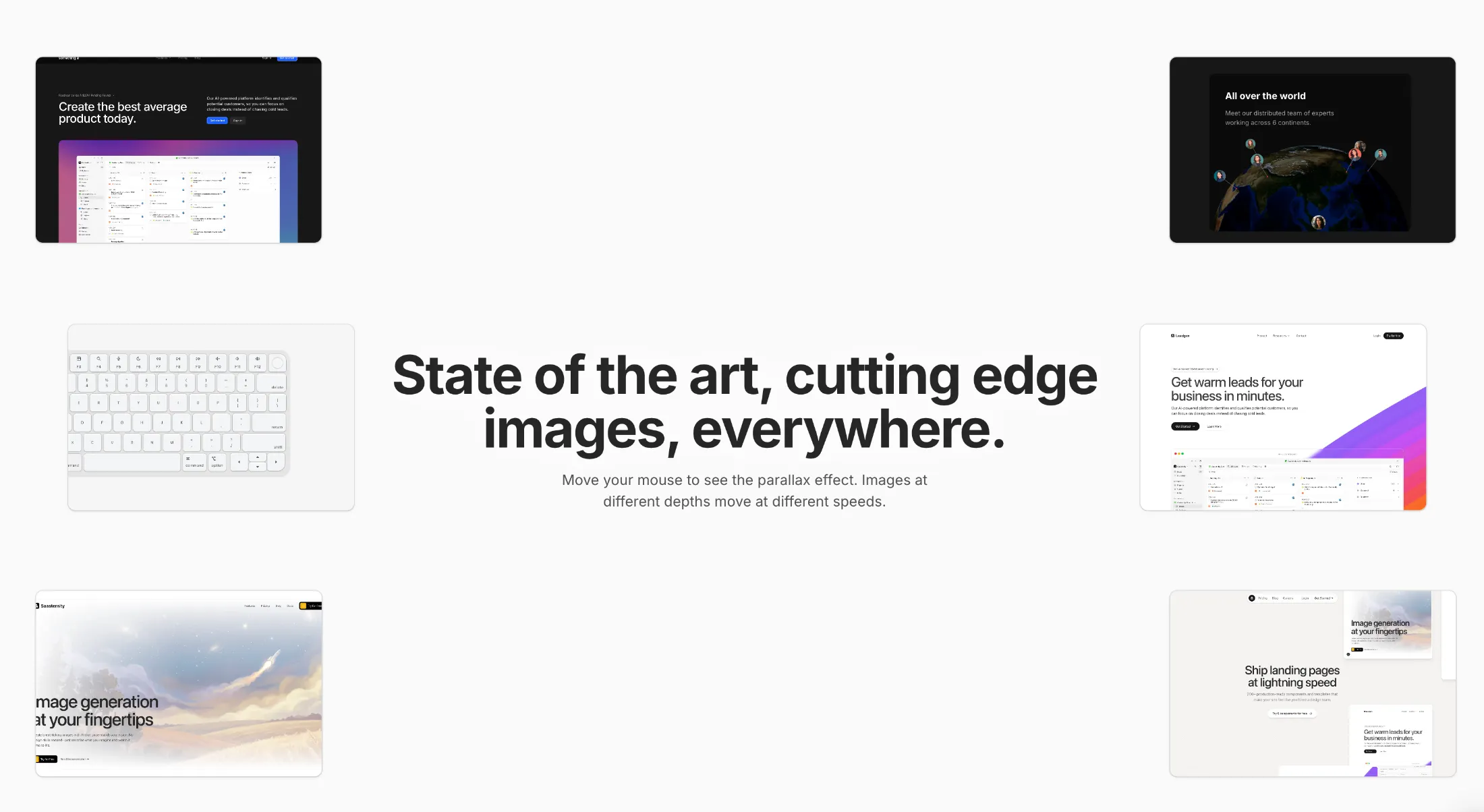
// components/ui/macbook-scroll.tsx
"use client";
import React, { useEffect, useMemo, useRef, useState } from "react";
import { MotionValue, motion, useScroll, useTransform } from "motion/react";
import { cn } from "@/lib/utils";
import {
IconBrightnessDown,
IconBrightnessUp,
IconCaretRightFilled,
IconCaretUpFilled,
IconChevronUp,
IconMicrophone,
IconMoon,
IconPlayerSkipForward,
IconPlayerTrackNext,
IconPlayerTrackPrev,
IconTable,
IconVolume,
IconVolume2,
IconVolume3,
} from "@tabler/icons-react";
import { IconSearch } from "@tabler/icons-react";
import { IconWorld } from "@tabler/icons-react";
import { IconCommand } from "@tabler/icons-react";
import { IconCaretLeftFilled } from "@tabler/icons-react";
import { IconCaretDownFilled } from "@tabler/icons-react";
export const MacbookScroll = ({
src,
showGradient,
title,
badge,
}: {
src?: string;
showGradient?: boolean;
title?: string | React.ReactNode;
badge?: React.ReactNode;
}) => {
const ref = useRef<HTMLDivElement>(null);
const { scrollYProgress } = useScroll({
target: ref,
offset: ["start start", "end start"],
});
const [isMobile, setIsMobile] = useState(false);
useEffect(() => {
if (window && window.innerWidth < 768) {
setIsMobile(true);
}
}, []);
const scaleX = useTransform(
scrollYProgress,
[0, 0.3],
[1.2, isMobile ? 1 : 1.5],
);
const scaleY = useTransform(
scrollYProgress,
[0, 0.3],
[0.6, isMobile ? 1 : 1.5],
);
const translate = useTransform(scrollYProgress, [0, 1], [0, 1500]);
const rotate = useTransform(scrollYProgress, [0.1, 0.12, 0.3], [-28, -28, 0]);
const textTransform = useTransform(scrollYProgress, [0, 0.3], [0, 100]);
const textOpacity = useTransform(scrollYProgress, [0, 0.2], [1, 0]);
return (
<div
ref={ref}
className="flex min-h-[200vh] shrink-0 scale-[0.35] transform flex-col items-center justify-start py-0 [perspective:800px] sm:scale-50 md:scale-100 md:py-80"
>
<motion.h2
style={{
translateY: textTransform,
opacity: textOpacity,
}}
className="mb-20 text-center text-3xl font-bold text-neutral-800 dark:text-white"
>
{title || (
<span>
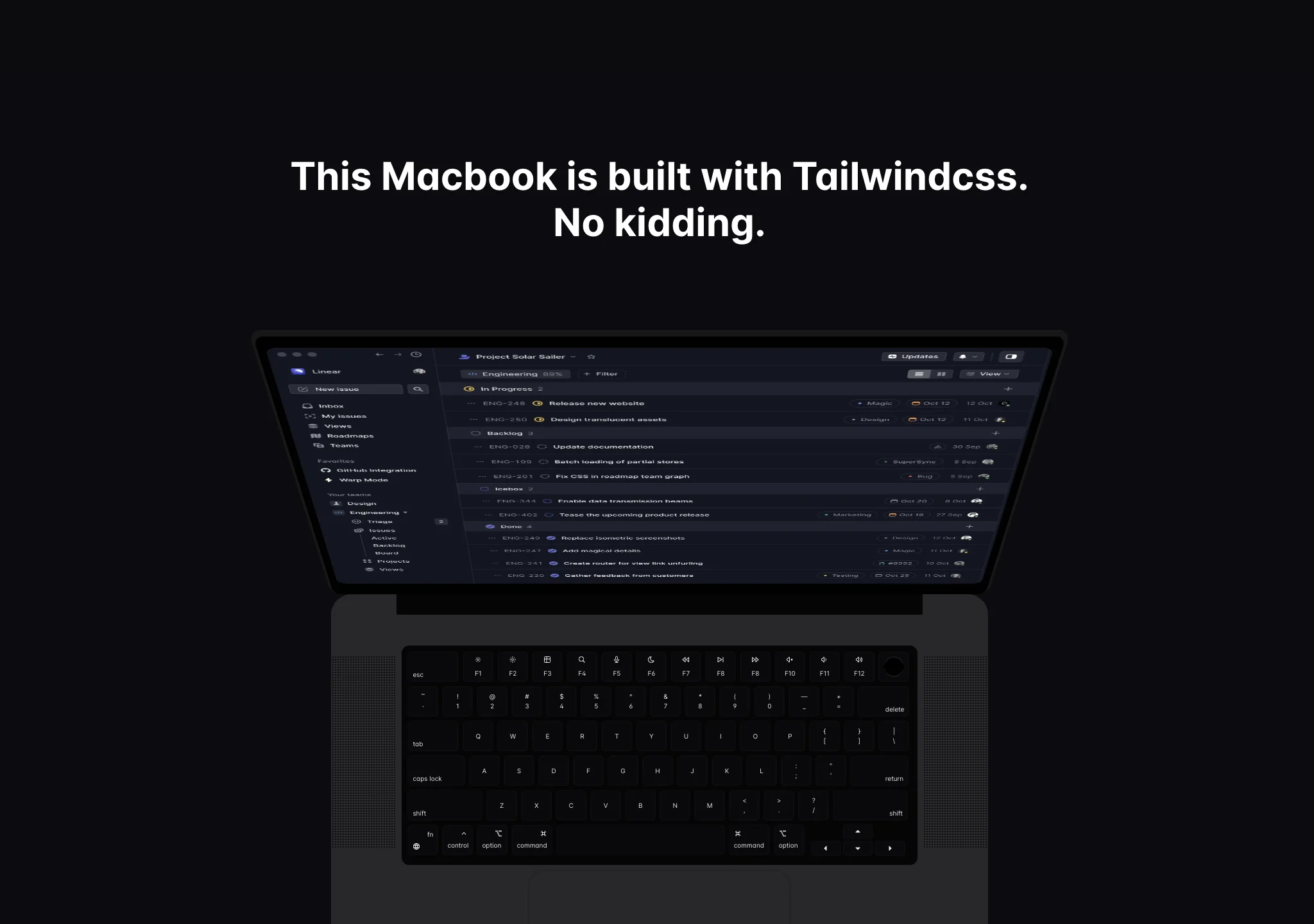
This Macbook is built with Tailwindcss. <br /> No kidding.
</span>
)}
</motion.h2>
{/* Lid */}
<Lid
src={src}
scaleX={scaleX}
scaleY={scaleY}
rotate={rotate}
translate={translate}
/>
{/* Base area */}
<div className="relative -z-10 h-[22rem] w-[32rem] overflow-hidden rounded-2xl bg-gray-200 dark:bg-[#272729]">
{/* above keyboard bar */}
<div className="relative h-10 w-full">
<div className="absolute inset-x-0 mx-auto h-4 w-[80%] bg-[#050505]" />
</div>
<div className="relative flex">
<div className="mx-auto h-full w-[10%] overflow-hidden">
<SpeakerGrid />
</div>
<div className="mx-auto h-full w-[80%]">
<Keypad />
</div>
<div className="mx-auto h-full w-[10%] overflow-hidden">
<SpeakerGrid />
</div>
</div>
<Trackpad />
<div className="absolute inset-x-0 bottom-0 mx-auto h-2 w-20 rounded-tl-3xl rounded-tr-3xl bg-gradient-to-t from-[#272729] to-[#050505]" />
{showGradient && (
<div className="absolute inset-x-0 bottom-0 z-50 h-40 w-full bg-gradient-to-t from-white via-white to-transparent dark:from-black dark:via-black"></div>
)}
{badge && <div className="absolute bottom-4 left-4">{badge}</div>}
</div>
</div>
);
};
export const Lid = ({
scaleX,
scaleY,
rotate,
translate,
src,
}: {
scaleX: MotionValue<number>;
scaleY: MotionValue<number>;
rotate: MotionValue<number>;
translate: MotionValue<number>;
src?: string;
}) => {
return (
<div className="relative [perspective:800px]">
<div
style={{
transform: "perspective(800px) rotateX(-25deg) translateZ(0px)",
transformOrigin: "bottom",
transformStyle: "preserve-3d",
}}
className="relative h-[12rem] w-[32rem] rounded-2xl bg-[#010101] p-2"
>
<div
style={{
boxShadow: "0px 2px 0px 2px #171717 inset",
}}
className="absolute inset-0 flex items-center justify-center rounded-lg bg-[#010101]"
>
<span className="text-white">
<AceternityLogo />
</span>
</div>
</div>
<motion.div
style={{
scaleX: scaleX,
scaleY: scaleY,
rotateX: rotate,
translateY: translate,
transformStyle: "preserve-3d",
transformOrigin: "top",
}}
className="absolute inset-0 h-96 w-[32rem] rounded-2xl bg-[#010101] p-2"
>
<div className="absolute inset-0 rounded-lg bg-[#272729]" />
<img
src={src as string}
alt="aceternity logo"
className="absolute inset-0 h-full w-full rounded-lg object-cover object-left-top"
/>
</motion.div>
</div>
);
};
export const Trackpad = () => {
return (
<div
className="mx-auto my-1 h-32 w-[40%] rounded-xl"
style={{
boxShadow: "0px 0px 1px 1px #00000020 inset",
}}
></div>
);
};
export const Keypad = () => {
return (
<div className="mx-1 h-full [transform:translateZ(0)] rounded-md bg-[#050505] p-1 [will-change:transform]">
{/* First Row */}
<div className="mb-[2px] flex w-full shrink-0 gap-[2px]">
<KBtn
className="w-10 items-end justify-start pb-[2px] pl-[4px]"
childrenClassName="items-start"
>
esc
</KBtn>
<KBtn>
<IconBrightnessDown className="h-[6px] w-[6px]" />
<span className="mt-1 inline-block">F1</span>
</KBtn>
<KBtn>
<IconBrightnessUp className="h-[6px] w-[6px]" />
<span className="mt-1 inline-block">F2</span>
</KBtn>
<KBtn>
<IconTable className="h-[6px] w-[6px]" />
<span className="mt-1 inline-block">F3</span>
</KBtn>
<KBtn>
<IconSearch className="h-[6px] w-[6px]" />
<span className="mt-1 inline-block">F4</span>
</KBtn>
<KBtn>
<IconMicrophone className="h-[6px] w-[6px]" />
<span className="mt-1 inline-block">F5</span>
</KBtn>
<KBtn>
<IconMoon className="h-[6px] w-[6px]" />
<span className="mt-1 inline-block">F6</span>
</KBtn>
<KBtn>
<IconPlayerTrackPrev className="h-[6px] w-[6px]" />
<span className="mt-1 inline-block">F7</span>
</KBtn>
<KBtn>
<IconPlayerSkipForward className="h-[6px] w-[6px]" />
<span className="mt-1 inline-block">F8</span>
</KBtn>
<KBtn>
<IconPlayerTrackNext className="h-[6px] w-[6px]" />
<span className="mt-1 inline-block">F8</span>
</KBtn>
<KBtn>
<IconVolume3 className="h-[6px] w-[6px]" />
<span className="mt-1 inline-block">F10</span>
</KBtn>
<KBtn>
<IconVolume2 className="h-[6px] w-[6px]" />
<span className="mt-1 inline-block">F11</span>
</KBtn>
<KBtn>
<IconVolume className="h-[6px] w-[6px]" />
<span className="mt-1 inline-block">F12</span>
</KBtn>
<KBtn>
<div className="h-4 w-4 rounded-full bg-gradient-to-b from-neutral-900 from-20% via-black via-50% to-neutral-900 to-95% p-px">
<div className="h-full w-full rounded-full bg-black" />
</div>
</KBtn>
</div>
{/* Second row */}
<div className="mb-[2px] flex w-full shrink-0 gap-[2px]">
<KBtn>
<span className="block">~</span>
<span className="mt-1 block">`</span>
</KBtn>
<KBtn>
<span className="block">!</span>
<span className="block">1</span>
</KBtn>
<KBtn>
<span className="block">@</span>
<span className="block">2</span>
</KBtn>
<KBtn>
<span className="block">#</span>
<span className="block">3</span>
</KBtn>
<KBtn>
<span className="block">$</span>
<span className="block">4</span>
</KBtn>
<KBtn>
<span className="block">%</span>
<span className="block">5</span>
</KBtn>
<KBtn>
<span className="block">^</span>
<span className="block">6</span>
</KBtn>
<KBtn>
<span className="block">&</span>
<span className="block">7</span>
</KBtn>
<KBtn>
<span className="block">*</span>
<span className="block">8</span>
</KBtn>
<KBtn>
<span className="block">(</span>
<span className="block">9</span>
</KBtn>
<KBtn>
<span className="block">)</span>
<span className="block">0</span>
</KBtn>
<KBtn>
<span className="block">—</span>
<span className="block">_</span>
</KBtn>
<KBtn>
<span className="block">+</span>
<span className="block"> = </span>
</KBtn>
<KBtn
className="w-10 items-end justify-end pr-[4px] pb-[2px]"
childrenClassName="items-end"
>
delete
</KBtn>
</div>
{/* Third row */}
<div className="mb-[2px] flex w-full shrink-0 gap-[2px]">
<KBtn
className="w-10 items-end justify-start pb-[2px] pl-[4px]"
childrenClassName="items-start"
>
tab
</KBtn>
<KBtn>
<span className="block">Q</span>
</KBtn>
<KBtn>
<span className="block">W</span>
</KBtn>
<KBtn>
<span className="block">E</span>
</KBtn>
<KBtn>
<span className="block">R</span>
</KBtn>
<KBtn>
<span className="block">T</span>
</KBtn>
<KBtn>
<span className="block">Y</span>
</KBtn>
<KBtn>
<span className="block">U</span>
</KBtn>
<KBtn>
<span className="block">I</span>
</KBtn>
<KBtn>
<span className="block">O</span>
</KBtn>
<KBtn>
<span className="block">P</span>
</KBtn>
<KBtn>
<span className="block">{`{`}</span>
<span className="block">{`[`}</span>
</KBtn>
<KBtn>
<span className="block">{`}`}</span>
<span className="block">{`]`}</span>
</KBtn>
<KBtn>
<span className="block">{`|`}</span>
<span className="block">{`\\`}</span>
</KBtn>
</div>
{/* Fourth Row */}
<div className="mb-[2px] flex w-full shrink-0 gap-[2px]">
<KBtn
className="w-[2.8rem] items-end justify-start pb-[2px] pl-[4px]"
childrenClassName="items-start"
>
caps lock
</KBtn>
<KBtn>
<span className="block">A</span>
</KBtn>
<KBtn>
<span className="block">S</span>
</KBtn>
<KBtn>
<span className="block">D</span>
</KBtn>
<KBtn>
<span className="block">F</span>
</KBtn>
<KBtn>
<span className="block">G</span>
</KBtn>
<KBtn>
<span className="block">H</span>
</KBtn>
<KBtn>
<span className="block">J</span>
</KBtn>
<KBtn>
<span className="block">K</span>
</KBtn>
<KBtn>
<span className="block">L</span>
</KBtn>
<KBtn>
<span className="block">{`:`}</span>
<span className="block">{`;`}</span>
</KBtn>
<KBtn>
<span className="block">{`"`}</span>
<span className="block">{`'`}</span>
</KBtn>
<KBtn
className="w-[2.85rem] items-end justify-end pr-[4px] pb-[2px]"
childrenClassName="items-end"
>
return
</KBtn>
</div>
{/* Fifth Row */}
<div className="mb-[2px] flex w-full shrink-0 gap-[2px]">
<KBtn
className="w-[3.65rem] items-end justify-start pb-[2px] pl-[4px]"
childrenClassName="items-start"
>
shift
</KBtn>
<KBtn>
<span className="block">Z</span>
</KBtn>
<KBtn>
<span className="block">X</span>
</KBtn>
<KBtn>
<span className="block">C</span>
</KBtn>
<KBtn>
<span className="block">V</span>
</KBtn>
<KBtn>
<span className="block">B</span>
</KBtn>
<KBtn>
<span className="block">N</span>
</KBtn>
<KBtn>
<span className="block">M</span>
</KBtn>
<KBtn>
<span className="block">{`<`}</span>
<span className="block">{`,`}</span>
</KBtn>
<KBtn>
<span className="block">{`>`}</span>
<span className="block">{`.`}</span>
</KBtn>
<KBtn>
<span className="block">{`?`}</span>
<span className="block">{`/`}</span>
</KBtn>
<KBtn
className="w-[3.65rem] items-end justify-end pr-[4px] pb-[2px]"
childrenClassName="items-end"
>
shift
</KBtn>
</div>
{/* sixth Row */}
<div className="mb-[2px] flex w-full shrink-0 gap-[2px]">
<KBtn className="" childrenClassName="h-full justify-between py-[4px]">
<div className="flex w-full justify-end pr-1">
<span className="block">fn</span>
</div>
<div className="flex w-full justify-start pl-1">
<IconWorld className="h-[6px] w-[6px]" />
</div>
</KBtn>
<KBtn className="" childrenClassName="h-full justify-between py-[4px]">
<div className="flex w-full justify-end pr-1">
<IconChevronUp className="h-[6px] w-[6px]" />
</div>
<div className="flex w-full justify-start pl-1">
<span className="block">control</span>
</div>
</KBtn>
<KBtn className="" childrenClassName="h-full justify-between py-[4px]">
<div className="flex w-full justify-end pr-1">
<OptionKey className="h-[6px] w-[6px]" />
</div>
<div className="flex w-full justify-start pl-1">
<span className="block">option</span>
</div>
</KBtn>
<KBtn
className="w-8"
childrenClassName="h-full justify-between py-[4px]"
>
<div className="flex w-full justify-end pr-1">
<IconCommand className="h-[6px] w-[6px]" />
</div>
<div className="flex w-full justify-start pl-1">
<span className="block">command</span>
</div>
</KBtn>
<KBtn className="w-[8.2rem]"></KBtn>
<KBtn
className="w-8"
childrenClassName="h-full justify-between py-[4px]"
>
<div className="flex w-full justify-start pl-1">
<IconCommand className="h-[6px] w-[6px]" />
</div>
<div className="flex w-full justify-start pl-1">
<span className="block">command</span>
</div>
</KBtn>
<KBtn className="" childrenClassName="h-full justify-between py-[4px]">
<div className="flex w-full justify-start pl-1">
<OptionKey className="h-[6px] w-[6px]" />
</div>
<div className="flex w-full justify-start pl-1">
<span className="block">option</span>
</div>
</KBtn>
<div className="mt-[2px] flex h-6 w-[4.9rem] flex-col items-center justify-end rounded-[4px] p-[0.5px]">
<KBtn className="h-3 w-6">
<IconCaretUpFilled className="h-[6px] w-[6px]" />
</KBtn>
<div className="flex">
<KBtn className="h-3 w-6">
<IconCaretLeftFilled className="h-[6px] w-[6px]" />
</KBtn>
<KBtn className="h-3 w-6">
<IconCaretDownFilled className="h-[6px] w-[6px]" />
</KBtn>
<KBtn className="h-3 w-6">
<IconCaretRightFilled className="h-[6px] w-[6px]" />
</KBtn>
</div>
</div>
</div>
</div>
);
};
export const KBtn = ({
className,
children,
childrenClassName,
backlit = true,
}: {
className?: string;
children?: React.ReactNode;
childrenClassName?: string;
backlit?: boolean;
}) => {
return (
<div
className={cn(
"[transform:translateZ(0)] rounded-[4px] p-[0.5px] [will-change:transform]",
backlit && "bg-white/[0.2] shadow-xl shadow-white",
)}
>
<div
className={cn(
"flex h-6 w-6 items-center justify-center rounded-[3.5px] bg-[#0A090D]",
className,
)}
style={{
boxShadow:
"0px -0.5px 2px 0 #0D0D0F inset, -0.5px 0px 2px 0 #0D0D0F inset",
}}
>
<div
className={cn(
"flex w-full flex-col items-center justify-center text-[5px] text-neutral-200",
childrenClassName,
backlit && "text-white",
)}
>
{children}
</div>
</div>
</div>
);
};
export const SpeakerGrid = () => {
return (
<div
className="mt-2 flex h-40 gap-[2px] px-[0.5px]"
style={{
backgroundImage:
"radial-gradient(circle, #08080A 0.5px, transparent 0.5px)",
backgroundSize: "3px 3px",
}}
></div>
);
};
export const OptionKey = ({ className }: { className: string }) => {
return (
<svg
fill="none"
version="1.1"
id="icon"
xmlns="http://www.w3.org/2000/svg"
viewBox="0 0 32 32"
className={className}
>
<rect
stroke="currentColor"
strokeWidth={2}
x="18"
y="5"
width="10"
height="2"
/>
<polygon
stroke="currentColor"
strokeWidth={2}
points="10.6,5 4,5 4,7 9.4,7 18.4,27 28,27 28,25 19.6,25 "
/>
<rect
id="_Transparent_Rectangle_"
className="st0"
width="32"
height="32"
stroke="none"
/>
</svg>
);
};
const AceternityLogo = () => {
return (
<svg
width="66"
height="65"
viewBox="0 0 66 65"
fill="none"
xmlns="http://www.w3.org/2000/svg"
className="h-3 w-3 text-white"
>
<path
d="M8 8.05571C8 8.05571 54.9009 18.1782 57.8687 30.062C60.8365 41.9458 9.05432 57.4696 9.05432 57.4696"
stroke="currentColor"
strokeWidth="15"
strokeMiterlimit="3.86874"
strokeLinecap="round"
/>
</svg>
);
};适用模型与稳定度
建议模型
多人复现
继续探索

复制这段 TSX 组件源码,交给 Cursor、v0、Claude 等 AI 编程工具,说明这是「3D Animated Pin」的 Aceternity UI 组件实现,即可让它接入你的 React 项目,再按需替换文案、配色与触发参数复用。
提示语
// components/ui/3d-pin.tsx "use client"; import React, { useState } from "react"; import { motion } from "motion/react"; import { cn } from "@/lib/utils"; export const PinContainer = ({ children, title, href, className, containerClassName…
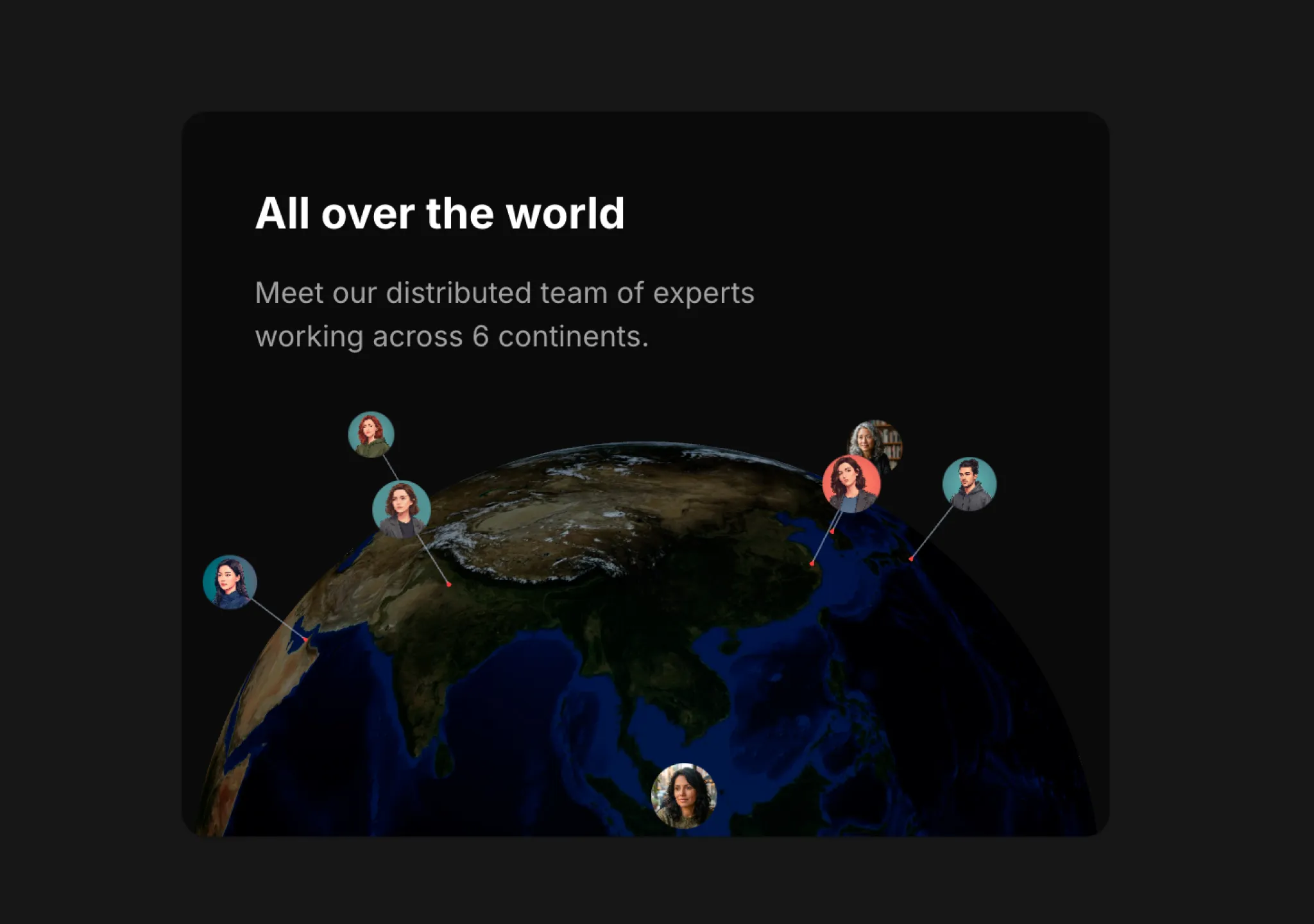
复制这段 TSX 组件源码,交给 Cursor、v0、Claude 等 AI 编程工具,说明这是「3D Globe」的 Aceternity UI 组件实现,即可让它接入你的 React 项目,再按需替换文案、配色与触发参数复用。
提示语
// components/ui/3d-globe.tsx "use client"; import React, { useRef, useMemo, useState, useCallback, Suspense } from "react"; import { Canvas, useFrame, useThree } from "@react-three/fiber"; import { OrbitControls, Html, useTexture } from "…
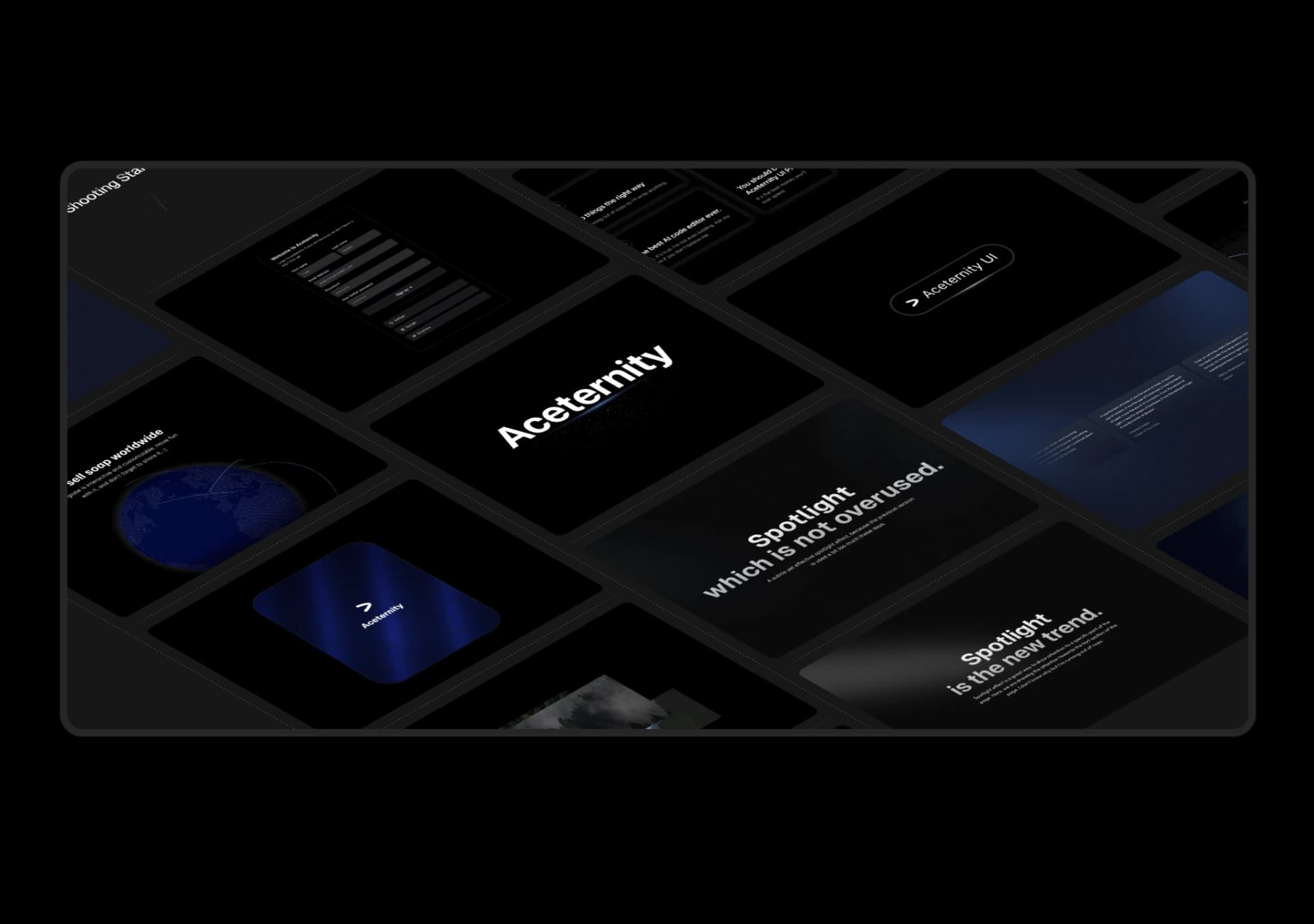
复制这段 TSX 组件源码,交给 Cursor、v0、Claude 等 AI 编程工具,说明这是「3D Marquee」的 Aceternity UI 组件实现,即可让它接入你的 React 项目,再按需替换文案、配色与触发参数复用。
提示语
// components/ui/3d-marquee.tsx "use client"; import { motion } from "motion/react"; import { cn } from "@/lib/utils"; export const ThreeDMarquee = ({ images, className, }: { images: string[]; className?: string; }) => { // Split the image…
Case 详情页把原帖效果、Prompt 与复测证据放在同一条阅读路径里。