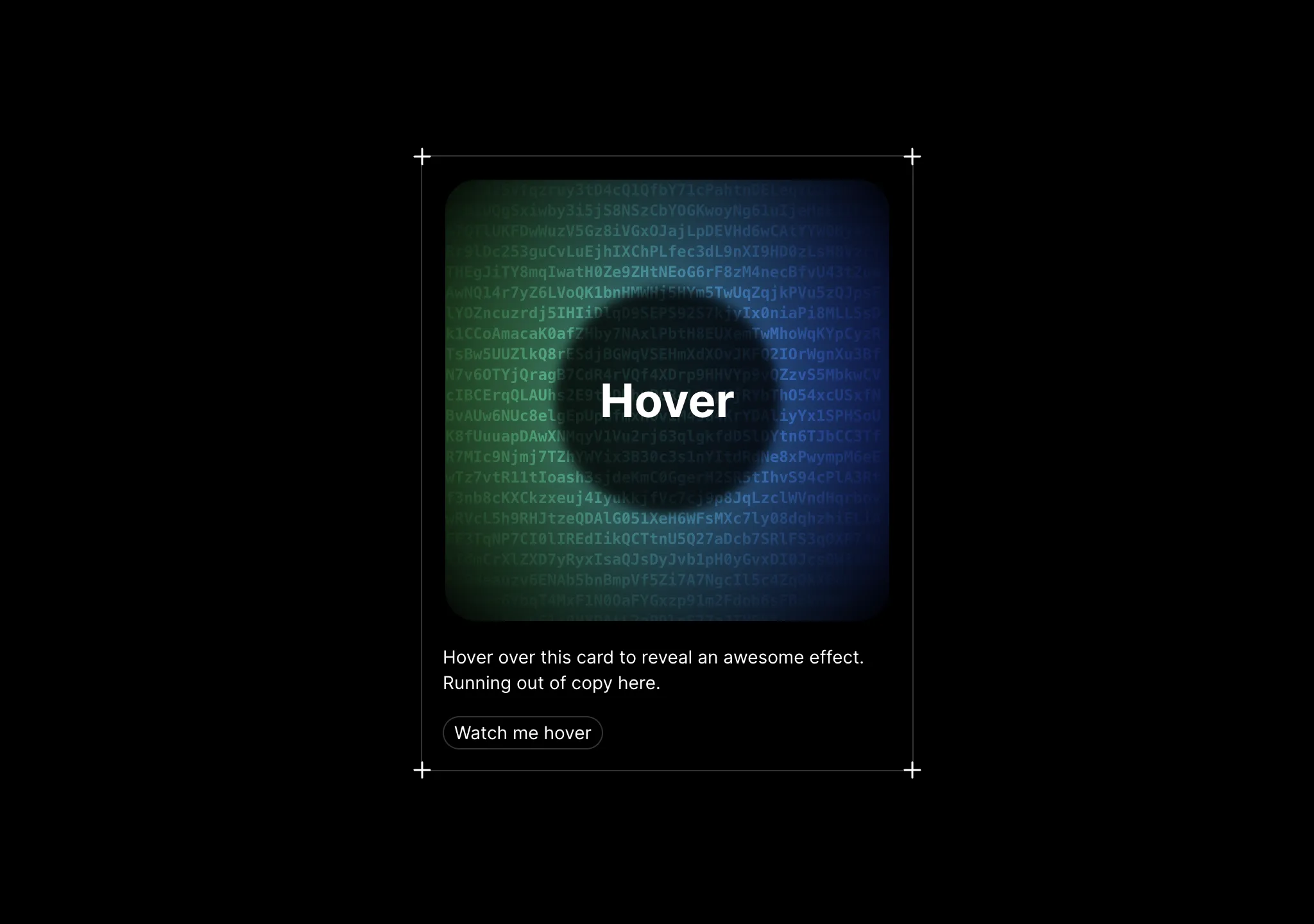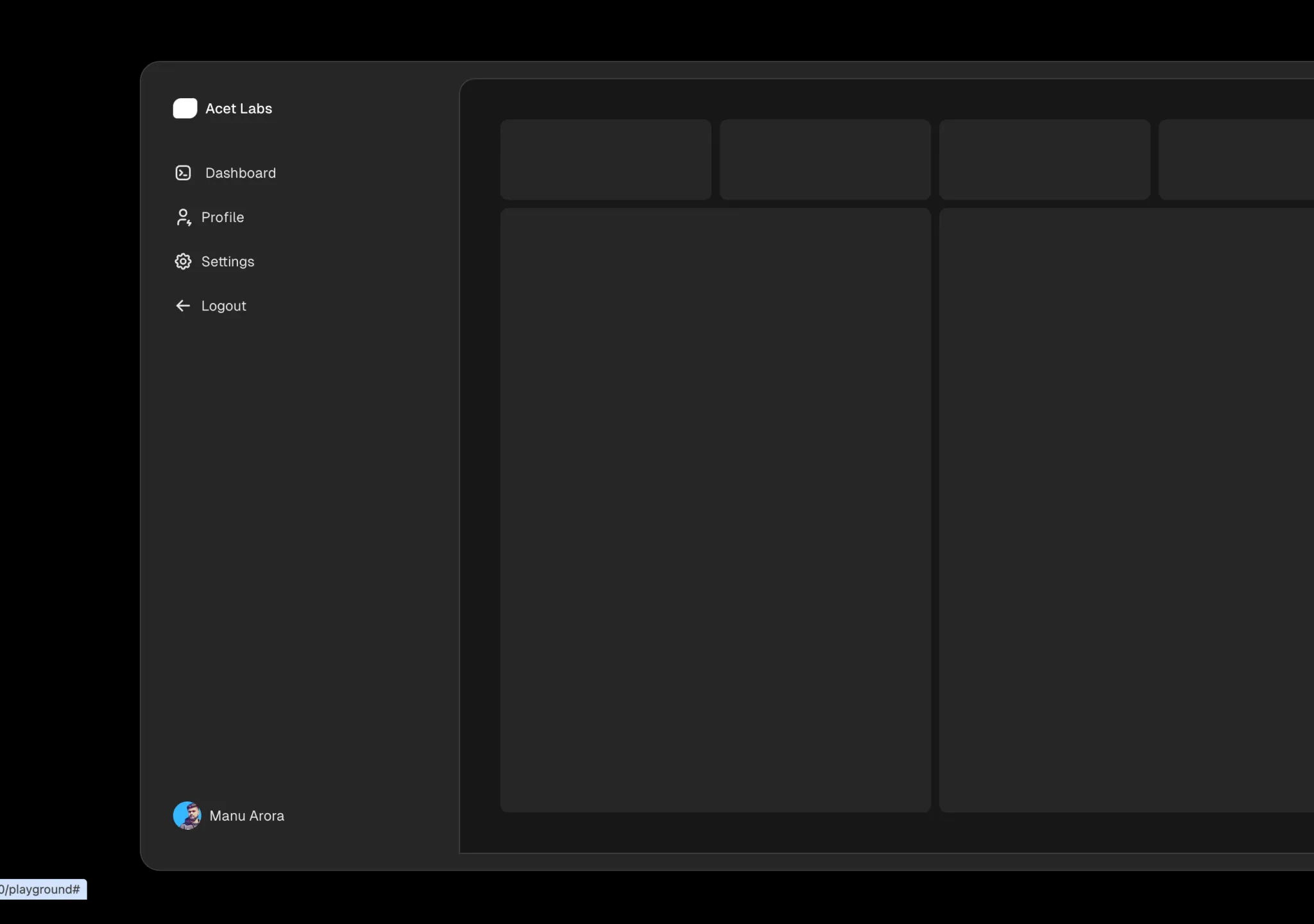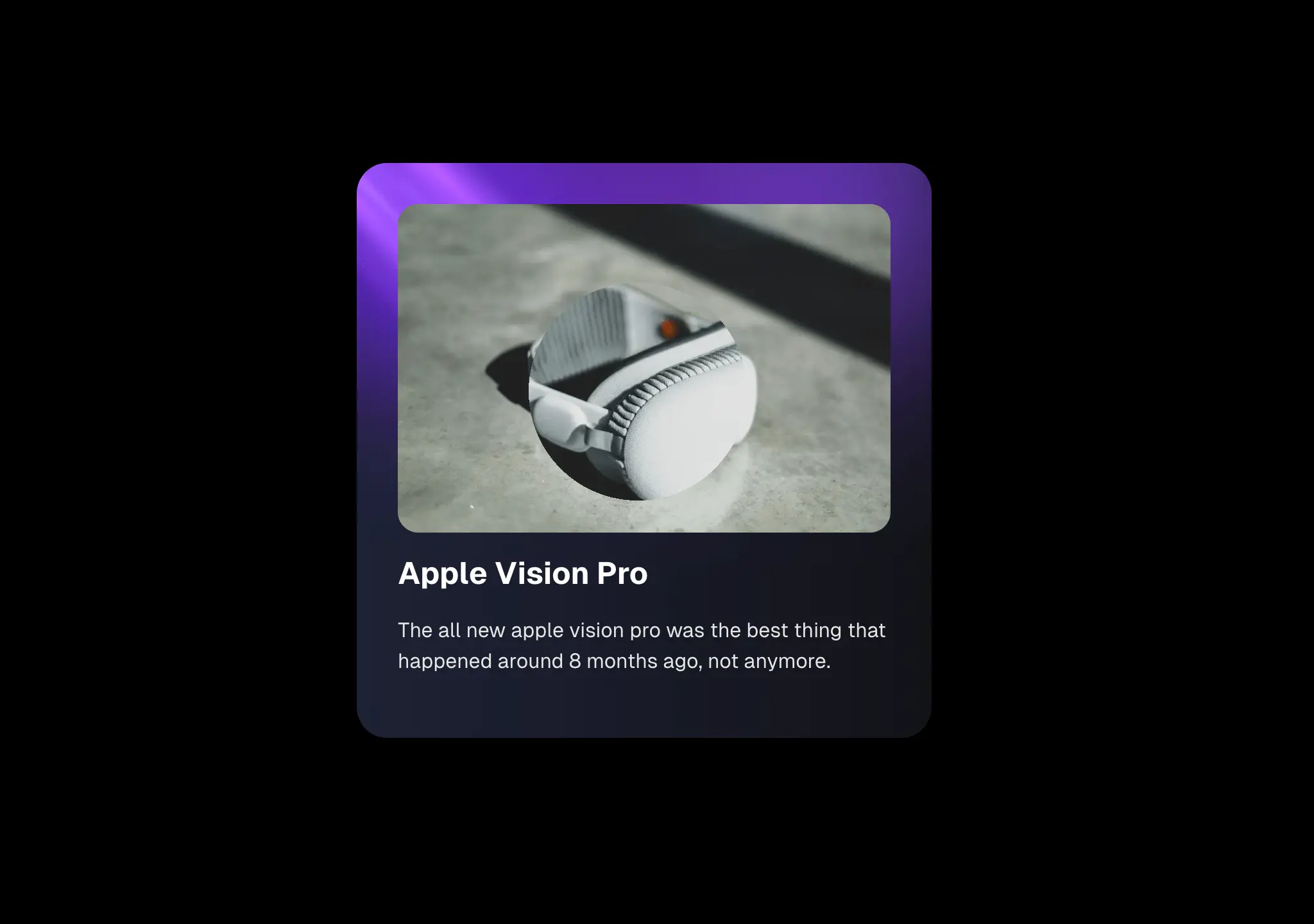
Loading…
Loading…
Creator · Aceternity UI
The reproduction prompt keeps the original and adds runtime, asset and acceptance requirements. These additions are not the author’s words.
// components/ui/lens.tsx
"use client";

import React, { useRef, useState } from "react";
import { AnimatePresence, motion } from "motion/react";

interface LensProps {
  children: React.ReactNode;
  zoomFactor?: number;
  lensSize?: number;
  position?: {
    x: number;
    y: number;
  };
  isStatic?: boolean;
  isFocusing?: () => void;
  hovering?: boolean;
  setHovering?: (hovering: boolean) => void;
}

export const Lens: React.FC<LensProps> = ({
  children,
  zoomFactor = 1.5,
  lensSize = 170,
  isStatic = false,
  position = { x: 200, y: 150 },
  hovering,
  setHovering,
}) => {
  const containerRef = useRef<HTMLDivElement>(null);

  const [localIsHovering, setLocalIsHovering] = useState(false);

  const isHovering = hovering !== undefined ? hovering : localIsHovering;
  const setIsHovering = setHovering || setLocalIsHovering;

  // const [isHovering, setIsHovering] = useState(false);
  const [mousePosition, setMousePosition] = useState({ x: 100, y: 100 });

  const handleMouseMove = (e: React.MouseEvent<HTMLDivElement>) => {
    const rect = e.currentTarget.getBoundingClientRect();
    const x = e.clientX - rect.left;
    const y = e.clientY - rect.top;
    setMousePosition({ x, y });
  };

  return (
    <div
      ref={containerRef}
      className="relative overflow-hidden rounded-lg z-20"
      onMouseEnter={() => {
        setIsHovering(true);
      }}
      onMouseLeave={() => setIsHovering(false)}
      onMouseMove={handleMouseMove}
    >
      {children}

      {isStatic ? (
        <div>
          <motion.div
            initial={{ opacity: 0, scale: 0.58 }}
            animate={{ opacity: 1, scale: 1 }}
            exit={{ opacity: 0, scale: 0.8 }}
            transition={{ duration: 0.3, ease: "easeOut" }}
            className="absolute inset-0 overflow-hidden"
            style={{
              maskImage: `radial-gradient(circle ${lensSize / 2}px at ${
                position.x
              }px ${position.y}px, black 100%, transparent 100%)`,
              WebkitMaskImage: `radial-gradient(circle ${lensSize / 2}px at ${
                position.x
              }px ${position.y}px, black 100%, transparent 100%)`,
              transformOrigin: `${position.x}px ${position.y}px`,
            }}
          >
            <div
              className="absolute inset-0"
              style={{
                transform: `scale(${zoomFactor})`,
                transformOrigin: `${position.x}px ${position.y}px`,
              }}
            >
              {children}
            </div>
          </motion.div>
        </div>
      ) : (
        <AnimatePresence>
          {isHovering && (
            <div>
              <motion.div
                initial={{ opacity: 0, scale: 0.58 }}
                animate={{ opacity: 1, scale: 1 }}
                exit={{ opacity: 0, scale: 0.8 }}
                transition={{ duration: 0.3, ease: "easeOut" }}
                className="absolute inset-0 overflow-hidden"
                style={{
                  maskImage: `radial-gradient(circle ${lensSize / 2}px at ${
                    mousePosition.x
                  }px ${mousePosition.y}px, black 100%, transparent 100%)`,
                  WebkitMaskImage: `radial-gradient(circle ${
                    lensSize / 2
                  }px at ${mousePosition.x}px ${
                    mousePosition.y
                  }px, black 100%, transparent 100%)`,
                  transformOrigin: `${mousePosition.x}px ${mousePosition.y}px`,
                  zIndex: 50,
                }}
              >
                <div
                  className="absolute inset-0"
                  style={{
                    transform: `scale(${zoomFactor})`,
                    transformOrigin: `${mousePosition.x}px ${mousePosition.y}px`,
                  }}
                >
                  {children}
                </div>
              </motion.div>
            </div>
          )}
        </AnimatePresence>
      )}
    </div>
  );
};Models & stability
Recommended models
Keep exploring

Copy this TSX component source into an AI coding tool such as Cursor, v0, or Claude, and tell it this is the Aceternity UI 3D Animated Pin component. It can then wire it into your React project, and you can swap the copy, colors, and trigger parameters to reuse it.
Prompt
// components/ui/3d-pin.tsx "use client"; import React, { useState } from "react"; import { motion } from "motion/react"; import { cn } from "@/lib/utils"; export const PinContainer = ({ children, title, href, className, containerClassName…

Copy this TSX component source into an AI coding tool such as Cursor, v0, or Claude, and tell it this is the Aceternity UI 3D Globe component. It can then wire it into your React project, and you can swap the copy, colors, and trigger parameters to reuse it.
Prompt
// components/ui/3d-globe.tsx "use client"; import React, { useRef, useMemo, useState, useCallback, Suspense } from "react"; import { Canvas, useFrame, useThree } from "@react-three/fiber"; import { OrbitControls, Html, useTexture } from "…
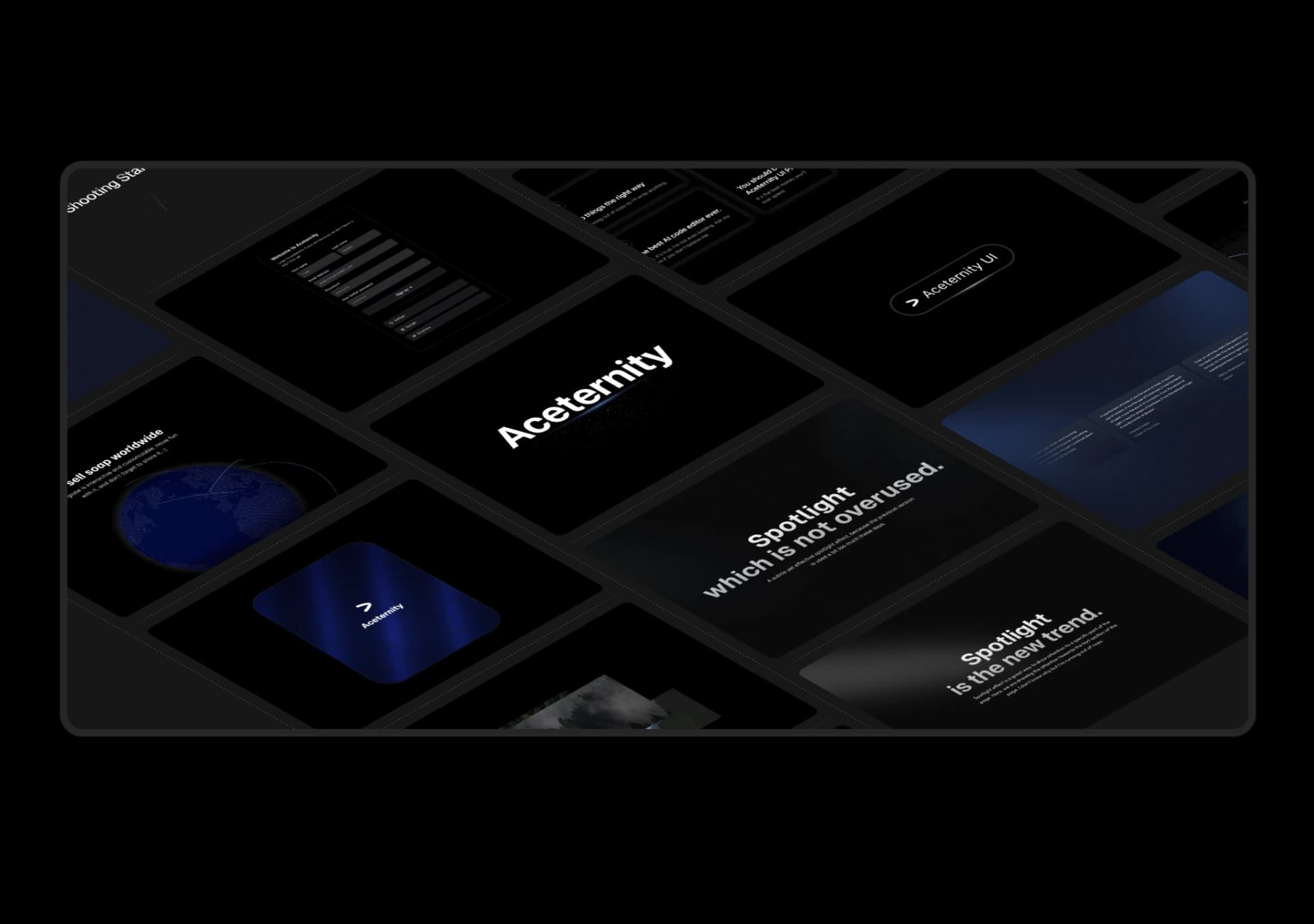
Copy this TSX component source into an AI coding tool such as Cursor, v0, or Claude, and tell it this is the Aceternity UI 3D Marquee component. It can then wire it into your React project, and you can swap the copy, colors, and trigger parameters to reuse it.
Prompt
// components/ui/3d-marquee.tsx "use client"; import { motion } from "motion/react"; import { cn } from "@/lib/utils"; export const ThreeDMarquee = ({ images, className, }: { images: string[]; className?: string; }) => { // Split the image…
Same creator
Each detail page keeps the original result, the prompt, and retest evidence in one reading path.