Loading…
Loading…
Creator · Aceternity UI
The reproduction prompt keeps the original and adds runtime, asset and acceptance requirements. These additions are not the author’s words.
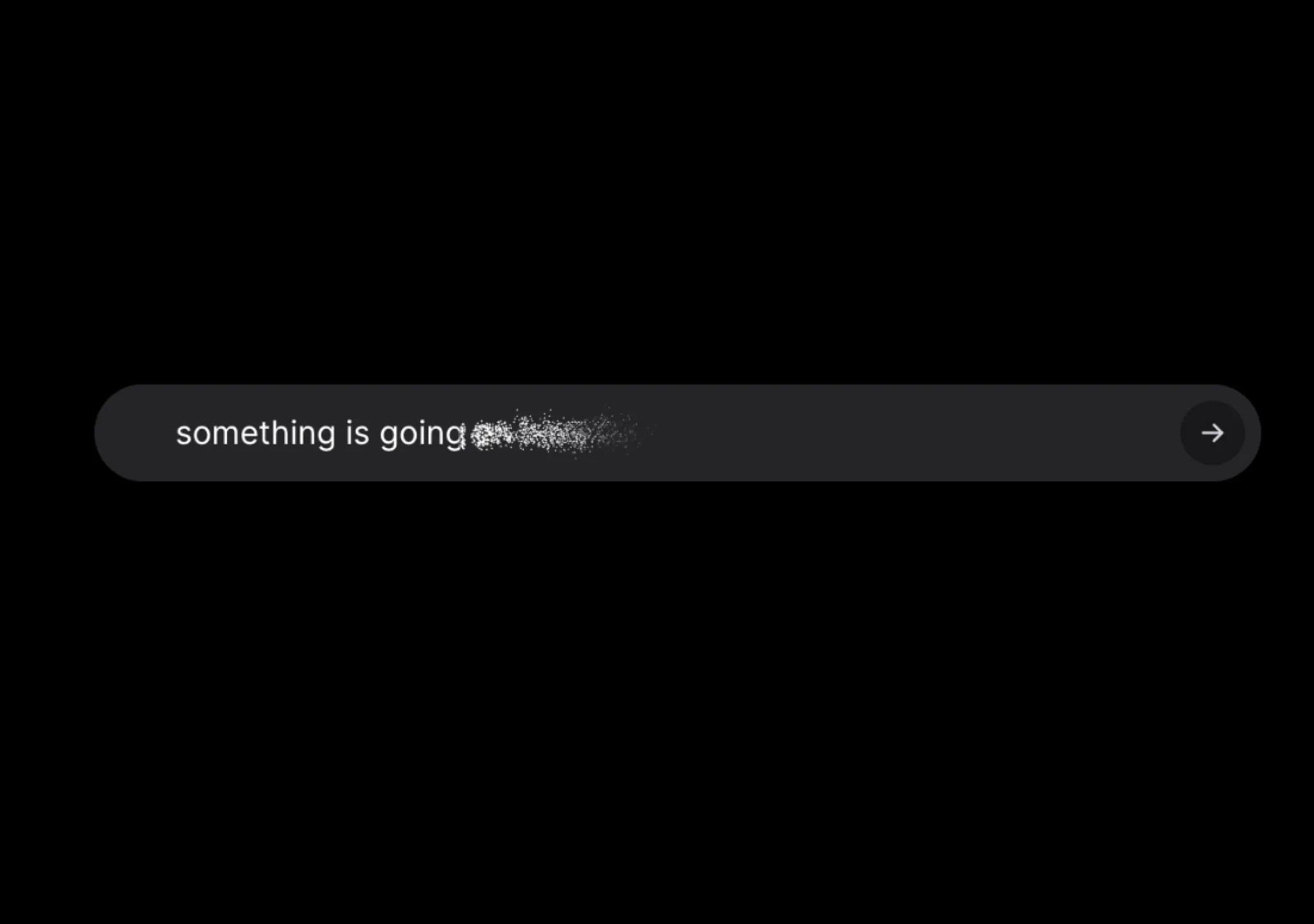
// components/ui/squiggly-text.tsx
"use client";

import React, { useId } from "react";
import { motion, useTime, useTransform } from "motion/react";
import { cn } from "@/lib/utils";

export interface SquigglyTextProps {
  /**
   * The text (or any node) to wrap with the squiggly effect.
   */
  children: React.ReactNode;
  className?: string;
  style?: React.CSSProperties;
  /**
   * Number of distinct displacement frames to cycle through.
   * Higher = smoother wobble, more SVG filters in the DOM.
   * @default 5
   */
  steps?: number;
  /**
   * Time between filter swaps, in milliseconds.
   * Lower = more frantic; higher = lazier wave.
   * @default 80
   */
  stepDuration?: number;
  /**
   * Maximum displacement in px. Bigger = more squiggly.
   * Pass a single number for a constant scale, or a tuple to alternate
   * between two values per step (matches the original Lucas Bebber demo).
   * @default [6, 8]
   */
  scale?: number | [number, number];
  /**
   * Turbulence base frequency. Lower values produce longer, smoother waves;
   * higher values produce tighter, jitterier noise.
   * @default 0.02
   */
  baseFrequency?: number;
  /**
   * Number of turbulence octaves. Higher = more detailed noise.
   * @default 3
   */
  numOctaves?: number;
  /**
   * Render the wrapper as this element type.
   * @default "span"
   */
  as?: "span" | "div";
}

export function SquigglyText({
  children,
  steps = 5,
  stepDuration = 80,
  scale = [6, 8],
  baseFrequency = 0.02,
  numOctaves = 3,
  as = "span",
  className,
  style,
}: SquigglyTextProps) {
  const reactId = useId();
  // useId can produce ":" / "_" which aren't valid in CSS url(#…) refs.
  const safeId = reactId.replace(/[:_]/g, "");
  const filterId = (i: number) => `squiggly-${safeId}-${i}`;

  const filters = React.useMemo(
    () => Array.from({ length: steps }, (_, i) => `url(#${filterId(i)})`),
    // filterId is stable per render
    // eslint-disable-next-line react-hooks/exhaustive-deps
    [steps, safeId],
  );

  const time = useTime();
  const filter = useTransform(
    time,
    (t) => filters[Math.floor(t / stepDuration) % filters.length],
  );

  const scaleAt = (i: number) =>
    Array.isArray(scale) ? scale[i % scale.length] : scale;

  const Wrapper = as === "div" ? motion.div : motion.span;

  return (
    <Wrapper
      style={{ filter, ...style }}
      className={cn("inline-block", className)}
    >
      <svg
        aria-hidden
        className="pointer-events-none absolute h-0 w-0 overflow-hidden"
        xmlns="http://www.w3.org/2000/svg"
      >
        <defs>
          {Array.from({ length: steps }).map((_, i) => (
            <filter id={filterId(i)} key={i}>
              <feTurbulence
                baseFrequency={baseFrequency}
                numOctaves={numOctaves}
                result="noise"
                seed={i}
              />
              <feDisplacementMap
                in="SourceGraphic"
                in2="noise"
                scale={scaleAt(i)}
              />
            </filter>
          ))}
        </defs>
      </svg>
      {children}
    </Wrapper>
  );
}Models & stability
Recommended models
Independent retest evidence
Nov 5, 2026
Oct 24, 2026
Oct 11, 2026
Independent reproductions
 Open reproduction ↗
GLM-5.3 单次生成;Codex 人工修复运行依赖、必要源码及移动布局,未重新生成。桌面/手机真实渲染和资源检查通过;完整功能与视觉还原尚未全部验收。源码、截图和修复记录见复现出处。
Reproduction source ↗Keep exploring

Copy this TSX component source into an AI coding tool such as Cursor, v0, or Claude, and tell it this is the Aceternity UI 3D Animated Pin component. It can then wire it into your React project, and you can swap the copy, colors, and trigger parameters to reuse it.
Prompt
// components/ui/3d-pin.tsx "use client"; import React, { useState } from "react"; import { motion } from "motion/react"; import { cn } from "@/lib/utils"; export const PinContainer = ({ children, title, href, className, containerClassName…

Copy this TSX component source into an AI coding tool such as Cursor, v0, or Claude, and tell it this is the Aceternity UI 3D Globe component. It can then wire it into your React project, and you can swap the copy, colors, and trigger parameters to reuse it.
Prompt
// components/ui/3d-globe.tsx "use client"; import React, { useRef, useMemo, useState, useCallback, Suspense } from "react"; import { Canvas, useFrame, useThree } from "@react-three/fiber"; import { OrbitControls, Html, useTexture } from "…
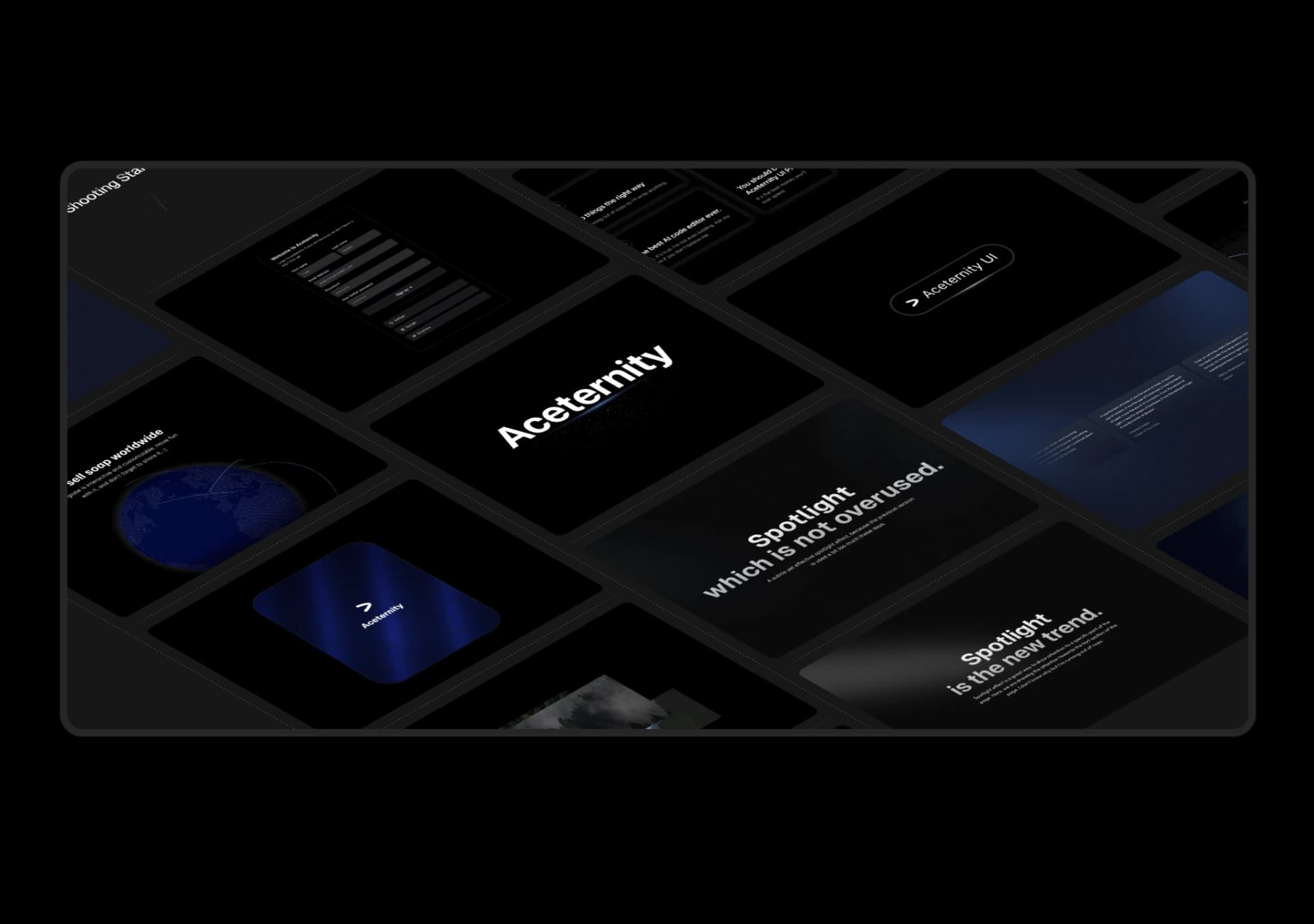
Copy this TSX component source into an AI coding tool such as Cursor, v0, or Claude, and tell it this is the Aceternity UI 3D Marquee component. It can then wire it into your React project, and you can swap the copy, colors, and trigger parameters to reuse it.
Prompt
// components/ui/3d-marquee.tsx "use client"; import { motion } from "motion/react"; import { cn } from "@/lib/utils"; export const ThreeDMarquee = ({ images, className, }: { images: string[]; className?: string; }) => { // Split the image…
Same creator
Each detail page keeps the original result, the prompt, and retest evidence in one reading path.