加载中…
创作者 · Aceternity UI
复刻提示词保留原文,另附运行环境、素材与验收要求;附加说明不是原作者原话。
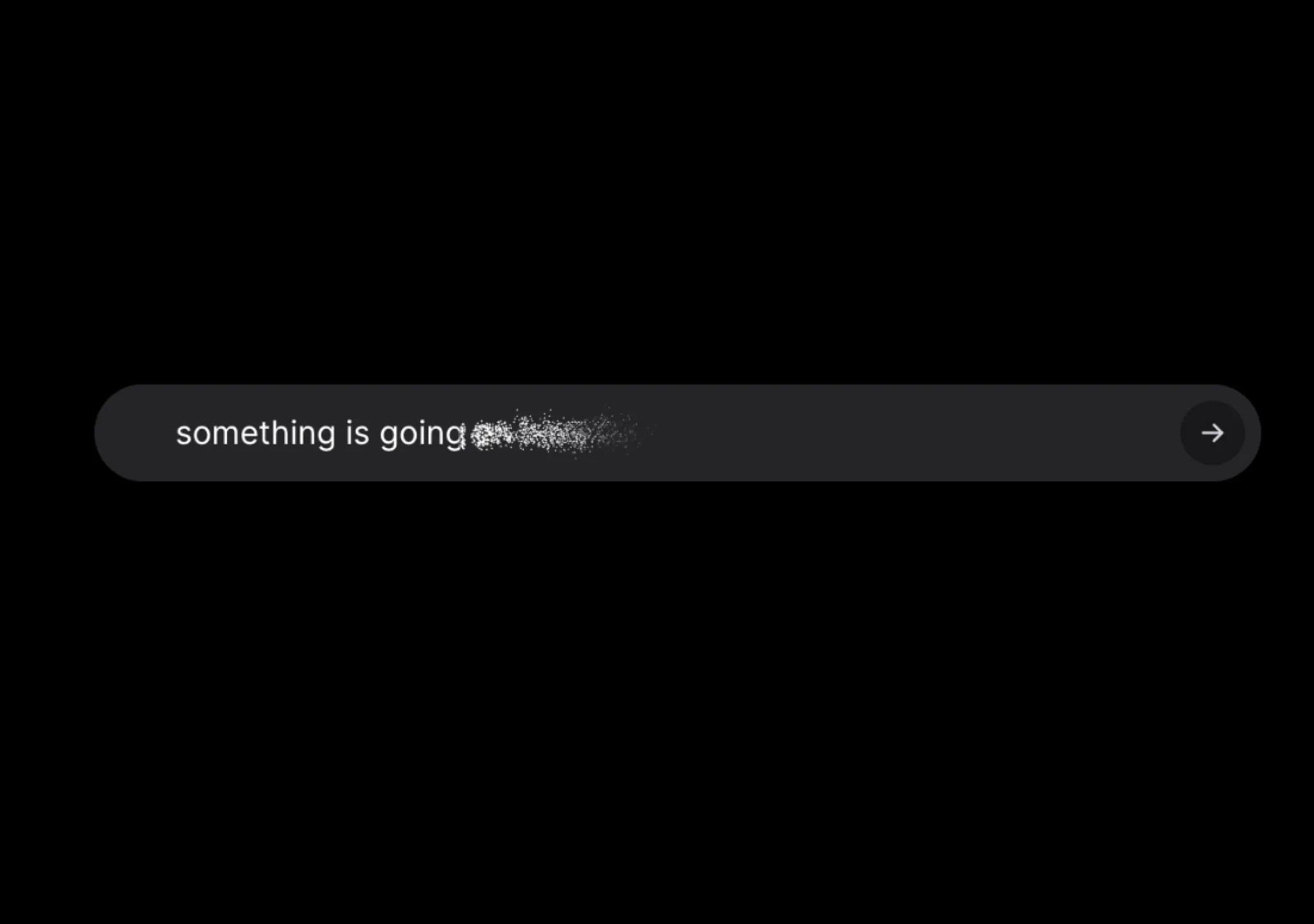
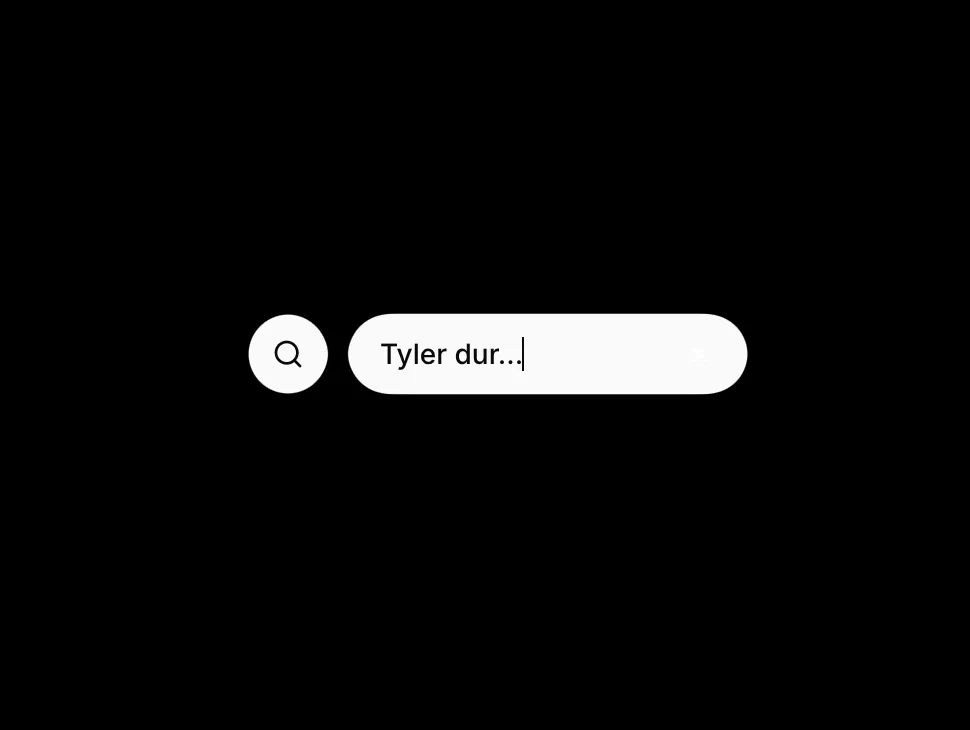
// components/ui/gooey-input.tsx
"use client";

import {
  useState,
  useRef,
  useEffect,
  useId,
  useMemo,
  useCallback,
  type ChangeEvent,
} from "react";
import { motion } from "motion/react";
import { cn } from "@/lib/utils";

function GooeyFilter({
  filterId,
  blur,
}: {
  filterId: string;
  blur: number;
}) {
  return (
    <svg className="absolute hidden h-0 w-0" aria-hidden>
      <defs>
        <filter id={filterId} x="-50%" y="-50%" width="200%" height="200%">
          <feGaussianBlur in="SourceGraphic" stdDeviation={blur} result="blur" />
          <feColorMatrix
            in="blur"
            type="matrix"
            values="1 0 0 0 0  0 1 0 0 0  0 0 1 0 0  0 0 0 20 -10"
            result="goo"
          />
          <feComposite in="SourceGraphic" in2="goo" operator="atop" />
        </filter>
      </defs>
    </svg>
  );
}

function SearchIcon({ layoutId }: { layoutId: string }) {
  return (
    <motion.svg
      layoutId={layoutId}
      xmlns="http://www.w3.org/2000/svg"
      viewBox="0 0 24 24"
      fill="none"
      stroke="currentColor"
      strokeLinecap="round"
      strokeLinejoin="round"
      strokeWidth={2}
      className="size-4 shrink-0"
    >
      <circle cx="11" cy="11" r="8" />
      <path d="m21 21-4.3-4.3" />
    </motion.svg>
  );
}

const transition = {
  duration: 0.4,
  type: "spring" as const,
  bounce: 0.25,
};

const iconBubbleVariants = {
  collapsed: { scale: 0, opacity: 0 },
  expanded: { scale: 1, opacity: 1 },
};

export interface GooeyInputClassNames {
  root?: string;
  filterWrap?: string;
  buttonRow?: string;
  trigger?: string;
  input?: string;
  bubble?: string;
  bubbleSurface?: string;
}

export interface GooeyInputProps {
  placeholder?: string;
  className?: string;
  classNames?: GooeyInputClassNames;
  /** Collapsed control width in px */
  collapsedWidth?: number;
  /** Expanded control width in px */
  expandedWidth?: number;
  /** Horizontal offset when expanded (px), aligns detached bubble */
  expandedOffset?: number;
  /** Gaussian blur amount for the gooey SVG filter */
  gooeyBlur?: number;
  value?: string;
  defaultValue?: string;
  onValueChange?: (value: string) => void;
  onOpenChange?: (open: boolean) => void;
  disabled?: boolean;
}

export function GooeyInput({
  placeholder = "Type to search...",
  className,
  classNames,
  collapsedWidth = 115,
  expandedWidth = 200,
  expandedOffset = 50,
  gooeyBlur = 5,
  value: valueProp,
  defaultValue = "",
  onValueChange,
  onOpenChange,
  disabled = false,
}: GooeyInputProps) {
  const reactId = useId();
  const safeId = reactId.replace(/:/g, "");
  const filterId = `gooey-filter-${safeId}`;
  const iconLayoutId = `gooey-input-icon-${safeId}`;
  const inputLayoutId = `gooey-input-field-${safeId}`;

  const inputRef = useRef<HTMLInputElement>(null);
  const prevExpandedRef = useRef(false);
  const [isExpanded, setIsExpanded] = useState(false);
  const [uncontrolledValue, setUncontrolledValue] = useState(defaultValue);

  const isControlled = valueProp !== undefined;
  const searchText = isControlled ? valueProp : uncontrolledValue;

  const setSearchText = useCallback(
    (next: string) => {
      if (!isControlled) {
        setUncontrolledValue(next);
      }
      onValueChange?.(next);
    },
    [isControlled, onValueChange],
  );

  const setExpanded = useCallback(
    (next: boolean) => {
      setIsExpanded(next);
      onOpenChange?.(next);
    },
    [onOpenChange],
  );

  useEffect(() => {
    if (isExpanded) {
      inputRef.current?.focus();
    } else if (prevExpandedRef.current) {
      setSearchText("");
    }
    prevExpandedRef.current = isExpanded;
  }, [isExpanded, setSearchText]);

  const buttonVariants = useMemo(
    () => ({
      collapsed: { width: collapsedWidth, marginLeft: 0 },
      expanded: { width: expandedWidth, marginLeft: expandedOffset },
    }),
    [collapsedWidth, expandedWidth, expandedOffset],
  );

  const handleExpand = useCallback(() => {
    if (!disabled) setExpanded(true);
  }, [disabled, setExpanded]);

  const handleChange = useCallback(
    (e: ChangeEvent<HTMLInputElement>) => {
      setSearchText(e.target.value);
    },
    [setSearchText],
  );

  const handleBlur = useCallback(() => {
    if (!searchText) setExpanded(false);
  }, [searchText, setExpanded]);

  const surfaceClass =
    "bg-foreground text-background shadow-sm ring-1 ring-border/60";

  return (
    <div
      className={cn(
        "relative flex items-center justify-center",
        className,
        classNames?.root,
      )}
    >
      <GooeyFilter filterId={filterId} blur={gooeyBlur} />

      <div
        className={cn(
          "relative flex h-10 items-center justify-center",
          classNames?.filterWrap,
        )}
        style={{ filter: `url(#${filterId})` }}
      >
        <motion.div
          className={cn("flex h-10 items-center justify-center", classNames?.buttonRow)}
          variants={buttonVariants}
          initial="collapsed"
          animate={isExpanded ? "expanded" : "collapsed"}
          transition={transition}
        >
          <button
            type="button"
            disabled={disabled}
            onClick={handleExpand}
            className={cn(
              "flex h-10 w-full cursor-pointer items-center justify-center gap-2 rounded-full px-4 text-sm font-medium outline-none transition-[color,box-shadow] focus-visible:ring-2 focus-visible:ring-ring focus-visible:ring-offset-2 focus-visible:ring-offset-background disabled:pointer-events-none disabled:opacity-50",
              surfaceClass,
              classNames?.trigger,
            )}
          >
            {!isExpanded ? (
              <SearchIcon layoutId={iconLayoutId} />
            ) : null}
            <motion.input
              layoutId={inputLayoutId}
              ref={inputRef}
              type="search"
              enterKeyHint="search"
              autoComplete="off"
              value={searchText}
              onChange={handleChange}
              onBlur={handleBlur}
              disabled={disabled || !isExpanded}
              placeholder={placeholder}
              className={cn(
                "h-full min-w-0 flex-1 bg-transparent text-sm text-background outline-none",
                isExpanded
                  ? "placeholder:text-background/50 dark:placeholder:text-background/45"
                  : "pointer-events-none placeholder:text-background/80 dark:placeholder:text-background/70",
                classNames?.input,
              )}
            />
          </button>
        </motion.div>

        <motion.div
          className={cn(
            "absolute top-1/2 left-0 flex size-10 -translate-y-1/2 items-center justify-center",
            classNames?.bubble,
          )}
          variants={iconBubbleVariants}
          initial="collapsed"
          animate={isExpanded ? "expanded" : "collapsed"}
          transition={transition}
        >
          <div
            className={cn(
              "flex size-10 items-center justify-center rounded-full",
              surfaceClass,
              classNames?.bubbleSurface,
            )}
          >
            <SearchIcon layoutId={iconLayoutId} />
          </div>
        </motion.div>
      </div>
    </div>
  );
}适用模型与稳定度
建议模型
多人复现
继续探索

复制这段 TSX 组件源码,交给 Cursor、v0、Claude 等 AI 编程工具,说明这是「3D Animated Pin」的 Aceternity UI 组件实现,即可让它接入你的 React 项目,再按需替换文案、配色与触发参数复用。
提示语
// components/ui/3d-pin.tsx "use client"; import React, { useState } from "react"; import { motion } from "motion/react"; import { cn } from "@/lib/utils"; export const PinContainer = ({ children, title, href, className, containerClassName…
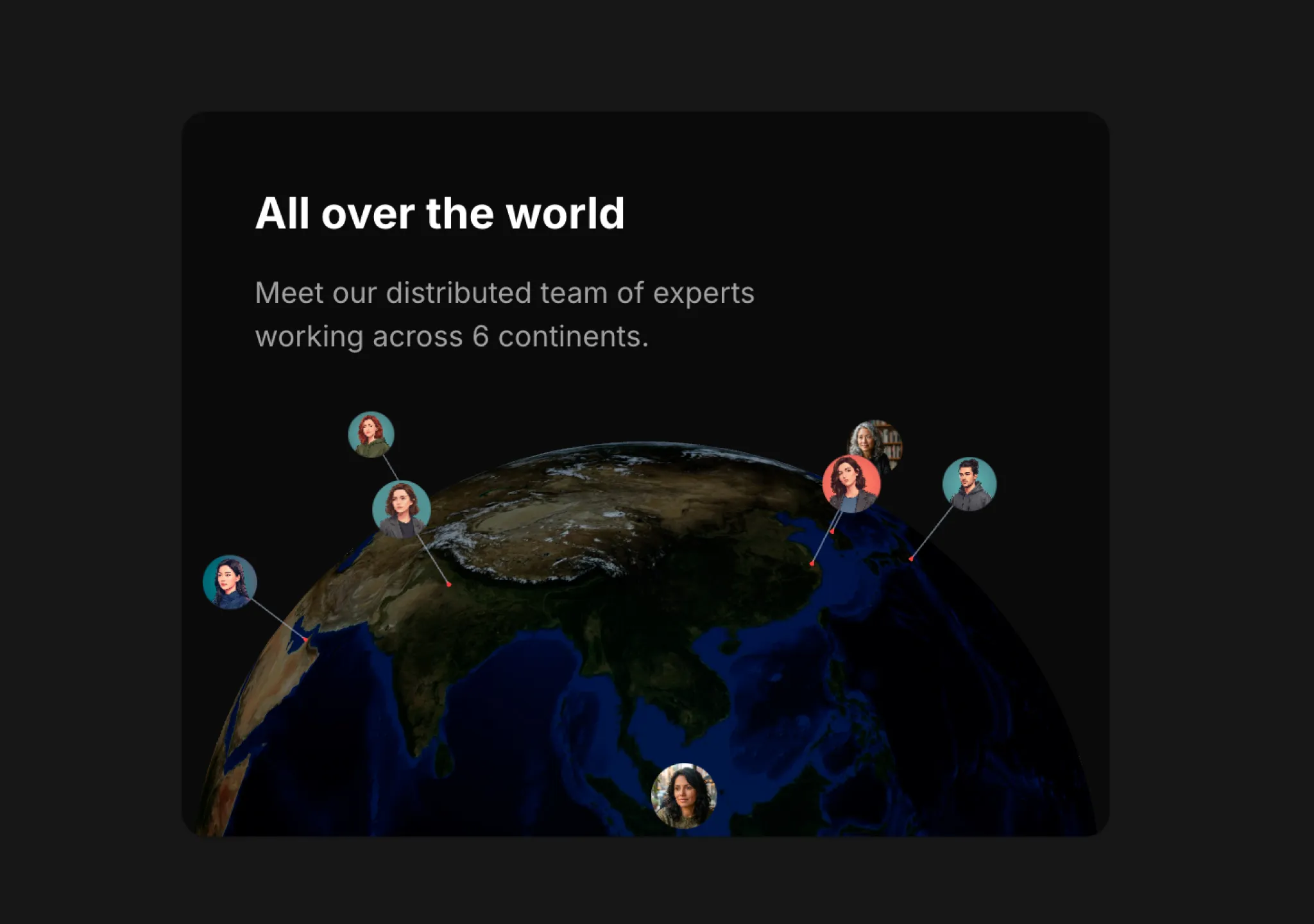
复制这段 TSX 组件源码,交给 Cursor、v0、Claude 等 AI 编程工具,说明这是「3D Globe」的 Aceternity UI 组件实现,即可让它接入你的 React 项目,再按需替换文案、配色与触发参数复用。
提示语
// components/ui/3d-globe.tsx "use client"; import React, { useRef, useMemo, useState, useCallback, Suspense } from "react"; import { Canvas, useFrame, useThree } from "@react-three/fiber"; import { OrbitControls, Html, useTexture } from "…
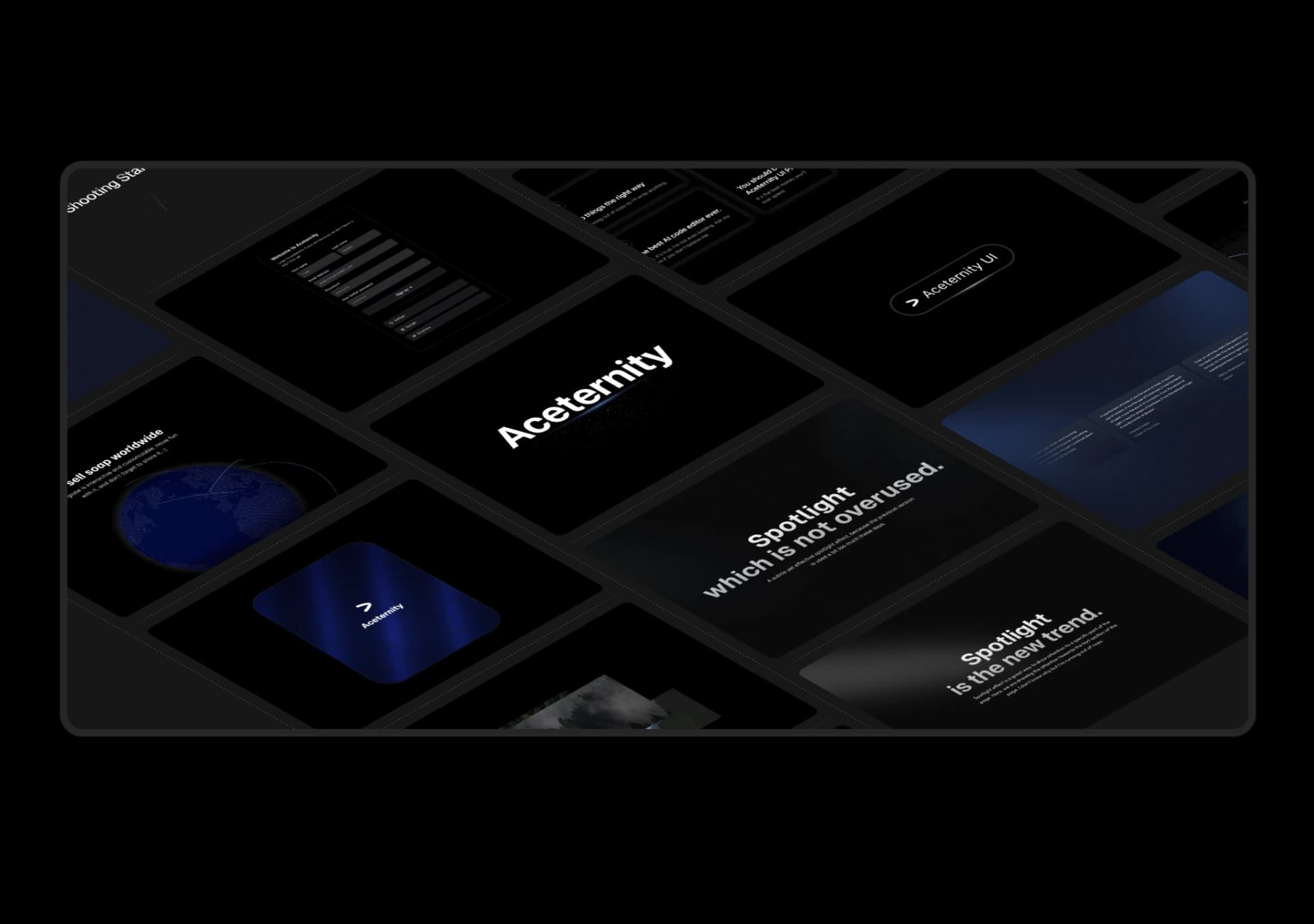
复制这段 TSX 组件源码,交给 Cursor、v0、Claude 等 AI 编程工具,说明这是「3D Marquee」的 Aceternity UI 组件实现,即可让它接入你的 React 项目,再按需替换文案、配色与触发参数复用。
提示语
// components/ui/3d-marquee.tsx "use client"; import { motion } from "motion/react"; import { cn } from "@/lib/utils"; export const ThreeDMarquee = ({ images, className, }: { images: string[]; className?: string; }) => { // Split the image…
Case 详情页把原帖效果、Prompt 与复测证据放在同一条阅读路径里。